How to use winamp's enc_aacplus.dll with dbpoweramp
Things you will need:
- dBpowerAMP, the generic cli plugin, and the aac/mp4/m4a plugin
- enc_aacplus.dll & in_wave.dll from Winamp
- aacenc.exe command line frontend for enc_aacplus.dll
- mp4box.exe (needed for mp4/m4a)
step 1:
Create a new codec with the generic cli plugin.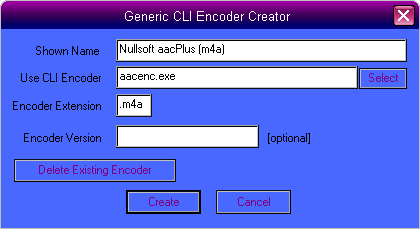
step 2:
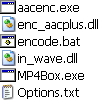
Open an explorer window to "..\Illustrate\dBpowerAMP\Compression\Nullsoft aacPlus (m4a)"Copy "aacenc.exe", "enc_aacplus.dll", "mp4box.exe", and "in_wave.dll" to this folder.
Replace "options.txt" with this one.
Create "encode.bat" in the folder too.
These are the files you should now have:
step 3:
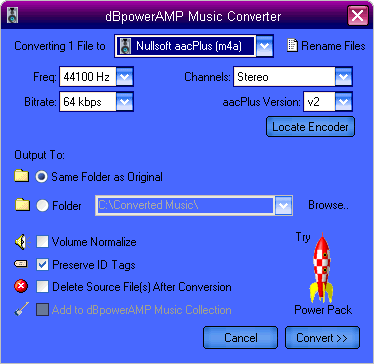
Convert a file.(you will probably have to locate 'encode.bat' the first time)
Keep in mind, not all combinations work.
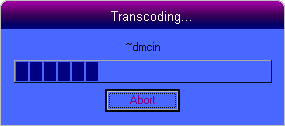
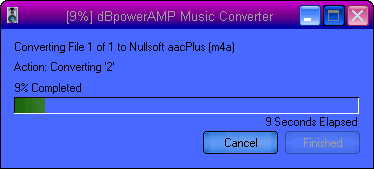
this annoying window pops up when encoding to aac
For encoding to *.aac, change the extention in 'options.txt' from 'm4a' to 'aac' & remove the bottom 2 lines from 'encode.bat' and change the second parameter from "%2.aac" to "%2".
Personally, I have one set up for m4a output, and another for aac output.
1-2-05