

Saving your pictures
Just a few basics here that we hope will help you
First wherever you save a picture from it must be a .jpeg or .gif

To save a picture from any
internet pages you need to click on the picture with your right mouse button.
Then you will get a menu like this one.

Now click on the "Save
Picture As". Then a "save picture" box comes up like this one.
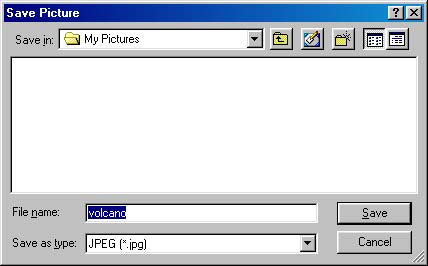
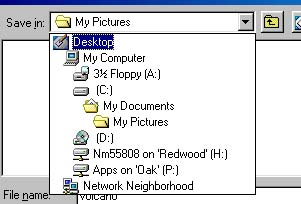
Choose a place to save the
picture. Check the "save in" choice of the "save picture dialog box". Save the
picture in the my pictures folder.
Give your photo a name. Type the name you want in the "File name" field.
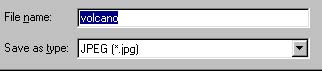
Now all you have to do is click on the "Save" button, and you are finished saving the file

Part of Graphics Galore Delphi Forum click the links below for PSP Index Page, Forum and Website
