How To Make Snow Globes
You will need a picture, a base and a sparkle tube
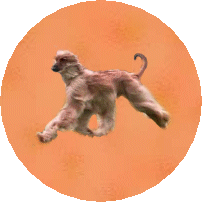
I put one of the dogs on a background to make this globe
download a base tube and put in your tubes, we used this one
download a sparkle tube & put in your tubes, we used this one

Open picture in psp, go to selections, then tool
options, choose feather 0 antialias ticked
Draw circle round the bit of pic you want,you will
have marching ants!!!
Now go to file open new, make sure its big enough to
work on
now go to pic, then copy,
now go to new file you just open and paste as new layer
you can now close original picture.
Now add your base from your tubes you will have to fiddle around with the
sizes to get just right and add anything else you wish to the pic.
go to layers merge, merge all visable
now u can close both globe and base
now go picture tube,
choose sparkle add to your globe several times, then go to file save as psp1
now go to edit undo all sparkle tubes
now redo tubes,
then go file save as psp2
go back to edit undo all tubes
then repeat again and save as psp3
now go to animation shop
then file then animation wizard,
press next,
transparent ticked, next,
tick upper left corner and canvas colour, then press
next
tick yes repeat animation, 20 then next
then press add image add psp1 psp2 psp3 then press
next then finish
your animation now should be in there, press run
animation to see it
then go to file save as , name it,
then press next,
then next,
then next
then finish,
hahaha thats it
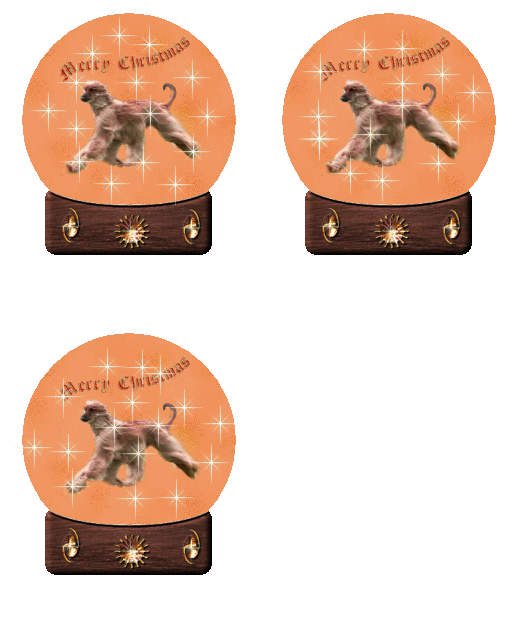
see we did it together and here is the results below!
Part of Graphics
Galore Delphi Forum click the links below for PSP Index Page, Forum
and Website