|
|
Royal Oak Continuing Education |
Catalog Page 13 |
|
|
|
|
|
|||||



|
COMPUTERS |
||||||||
|
No. |
Name |
Day |
Begin |
Time |
Instr |
Loc |
Wks |
Fee |
|
6428 |
Tue-Thu |
4/24 |
3:30-5:30 pm |
Buchta |
D119 |
3 |
$50/75 |
|
|
6507 |
Tue-Thu |
5/15 |
3:30-5:30 pm |
Buchta |
D119 |
3 |
$50/75 |
|
|
6673 |
Mon-Wed |
4/23 |
1:00-4:00 pm |
Buchta |
CPDC |
2 |
$130 |
|
|
6675 |
Mon-Wed |
5/7 |
12:15-3:15 pm |
Buchta |
CPDC |
2 |
$130 |
|
|
Due to the popularity of the above classes, there is No Reduced Rate. |
||||||||

SENIOR COMPUTER CLASS
Royal Oak Continuing Education
offers computer classes for senior citizens.Resident fee: $50, non-residents $75.

6428
- BEGINNING WINDOWS© '95-'98"Windows" is the "must first course" for anyone wanting to use a computer.
It makes the whole train go!
Learn TO USE your computer's Windows operating system. Learn:
- Computer terms like: Desktop, Icons, Taskbar,

6507
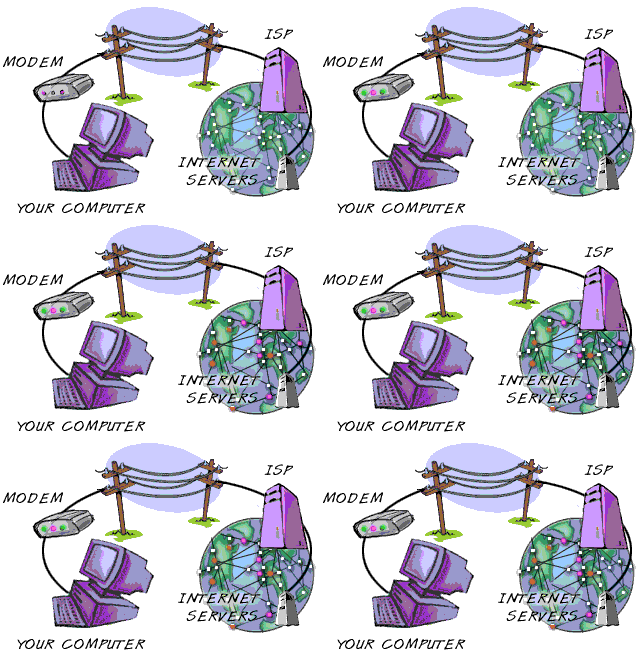
-THE INTERNET (Internet 101)Learn what the Internet is, how to access it, how to "surf", how to search for information, and how to download and save files. Students will learn:
- Basic Internet and World Wide Web terminology.
- What a browser is and how to use and adjust it.
- How to bookmark their favorite sites.
- How to use key-board shortcut keys.
- How to download, save, and handle .ZIP files, music files, pictures, text and other documents.
- The courseware-provided diskette has 30 menus. With this diskette, any student can easily learn to use their IBM-compatible computer at home and go to any of the
6673, -
MS- WORD (The Basics)Learn how to use a word processor with Microsoft Word97, a powerful processing application. Students will learn how to create and save a document, set up a page, navigate in a document; set/adjust margins, tabs, headers and footers, enter, edit and format text; select, cut, copy and past text learn how to use a ruler; change line spacing and indents, create tables and work with columns, learn to use borders, lines and shading, insert graphic files, ClipArt, and WordArt drawing tools.
Students should have some keyboarding experience prior to taking this class.
6675 -
MS- WORD - IntermediateStudents will learn to use some of the advanced features of a modern word processor using MS-Word97. These features include:
- Making mailing labels
- Using mail merge using the envelope and label tool
- Inserting and using spreadsheets
- Inserting bookmarks
- Making hyperlinks to other documents
- Inserting page and column breaks
- Making plain and bordered "headers and footers"
- Making, using and altering "templates"
- Inserting and using "comments"
- And protecting your documents.
 Page 13


/ BRB