 |
|
|
|
|
|
|
|
|
|
|
|
|
|
|
|
|
|
|
|
|
|
|
|
|
|
|
|
|
|
|
|
|
|
Downloads |
|
|
 |
|
 |
|
|
|
|
|
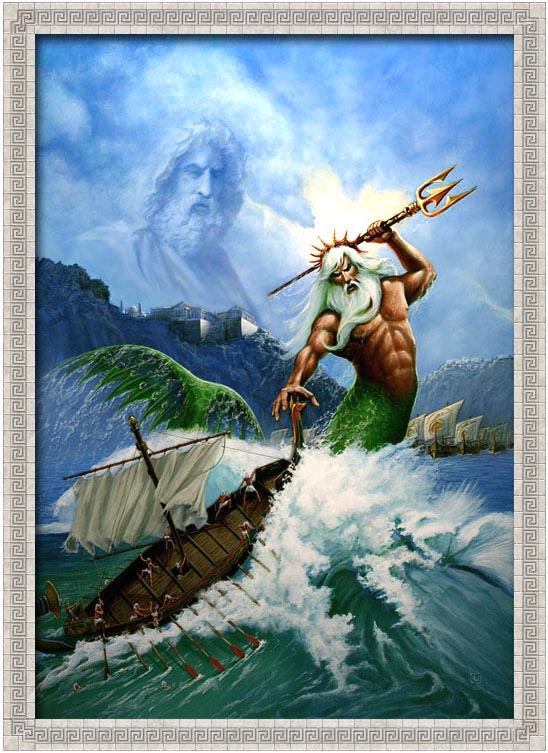 |
|
|
Download The Age Of Myhtology Trial Version HERE |
|
|
|
|
| Download the new Golden Gift campaign |
|
|
|
|
|
|
 |
|
|
|
Completely customize the
windows user interface to reflect your passion - Age Of Mythology - with this new Age Of Mythology Windowsblinds download. |
|
|
|
 |
|
|
|
|
|
Change your title bars, push buttons, scroll bars, borders, radio buttons, Star bar, and virtually every other part of Windows. In addition, you can also change your Windows Media Player skins. Included in this zip file are the following files: |
|
|
|
- aom_WindowBlinds.exe -this file will install
WindowBlinds.
- aom_wmp_skin_7.wmz - This file is the Age Of Mytholgy Windows Media Player 7.0 skin (for Win2K and bellow)
- aom_wmp_skin_8.wmz - This file is the Age Of Mythology Windows Media Player 8.0 skin (for WinXP) |
|
|
Once you've downloaded zip file, extract the three file to the directory of yor choice. Locate and double click on the aom_windowblinds.exe file. This wall install WindowBlinds. Once you've done that, righ click on your desktop, select propietes, select the Appearance tab, and then select the Age Of Mytholgy stiles in the Windows and Buttons drop-down selection list.
To install the Media Player Skins, simply double click on the appropriate wmz file (aom_wmp_skin_7.wmz if you are running Windows Media Player 7.0 for Win2K or bellow, or aom_wmp_skin_8.wmz if you are running Windows Media Player 8.0 for WinXP) |
|
|
DOWNLOAD NOW 5mb .ZIP |
|
|
|
 |
|
|
|
 |
|
|
|
|
 |
|
 |
|
|
 |
|
|
|
|
 |
|
|
|
|
 |
|
|
|
|
|
|
 |
|
|
This Files are from
www.microsoft.com |
|
|
|
|
|
|
|
|


