|
ON THE FARM
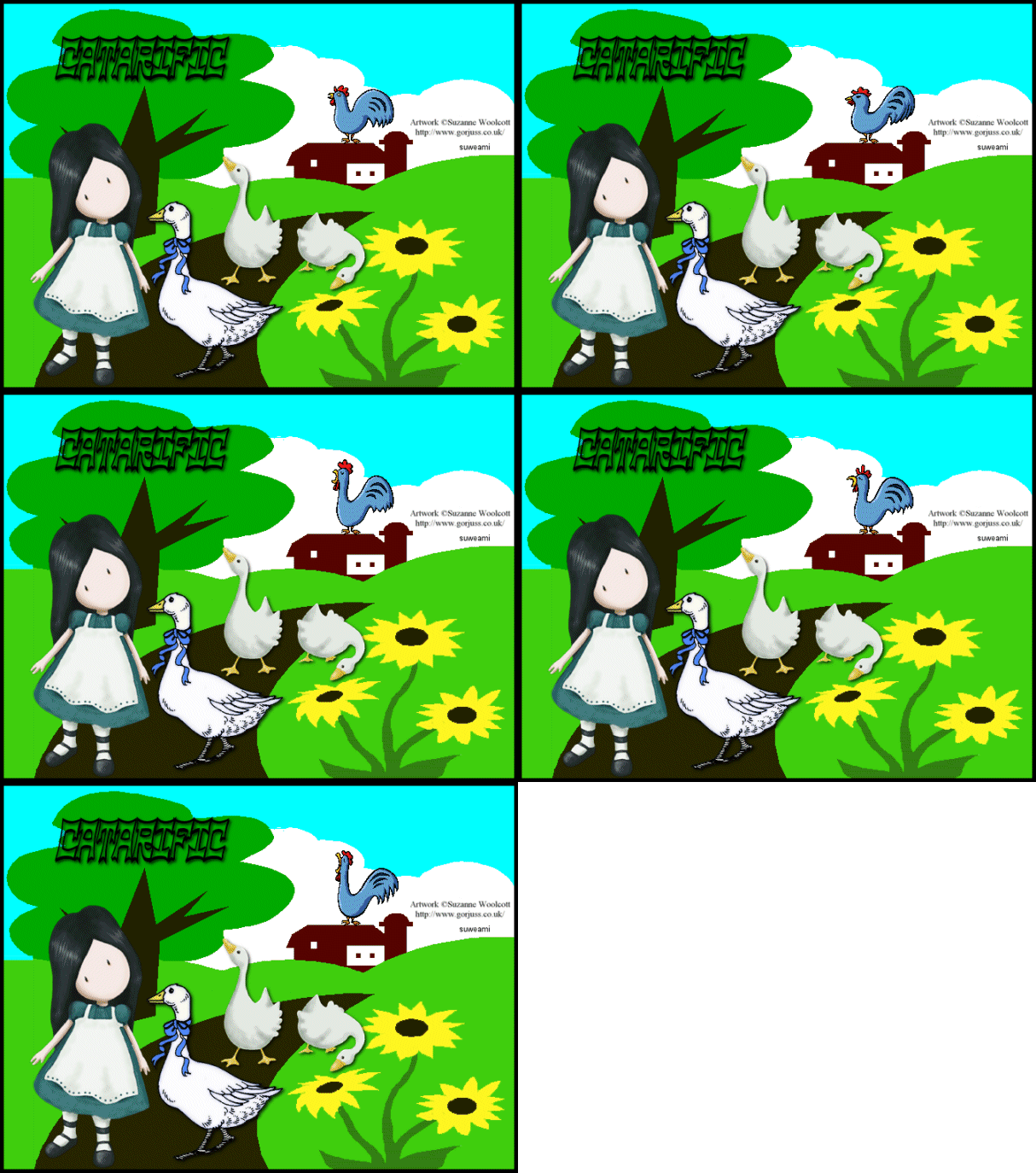
Step 1 At Animation Shop, go to File/Open and locate the psp or psd tag file. Go to View/Normal Viewing. You should see five frames. Click the Control and A keys to activate all the frames. Step 2 Open up the rooster animation and you will also see five frames. Step 3 Go to Image/Resize using the percent option at 90%, resize type: smart size and maintain aspect ratio checked. Step 4 Holding down the control key, left click the A key to activate all the frames. Step 5 Go to Edit/Copy. Make the tag image active and go to the very first frame and go to Edit/Paste into selected frame. Holding down the left mouse button, place the animated rooster on top of the barn. Once you have the animation placed, release the left mouse button. Step 6 Left click the first frame of the tag to activate just that frame. Right click, go to frame properties and left click. Type in 150. Left click the second frame. Go to frame properties and type in 10. Holding down the control key, left click the third and fourth frames. Go to frame properties and type in 15. Left click the last frame. Go to frame properties and type in 20. Step 7 Before we continue to save the animation, let's first click the Customize button to make sure you have all the correct settings for this animation. Click the Customize button and you will see two tabs: Colors and Optimizations. Here is what each setting should be under the two tabs. Colors 255 Colors, Optimized Median Cut and Error Diffusion should be checked. Optimizations The middle three selections should be checked. The top and bottom selections - unchecked. After
customizing these animation settings, click Ok and click Next and you will get
the following screens: Step 8 Make sure to save your image as a gif file. We hope you enjoyed this tutorial. Purrs, Nikki, Nichie and Sue
|