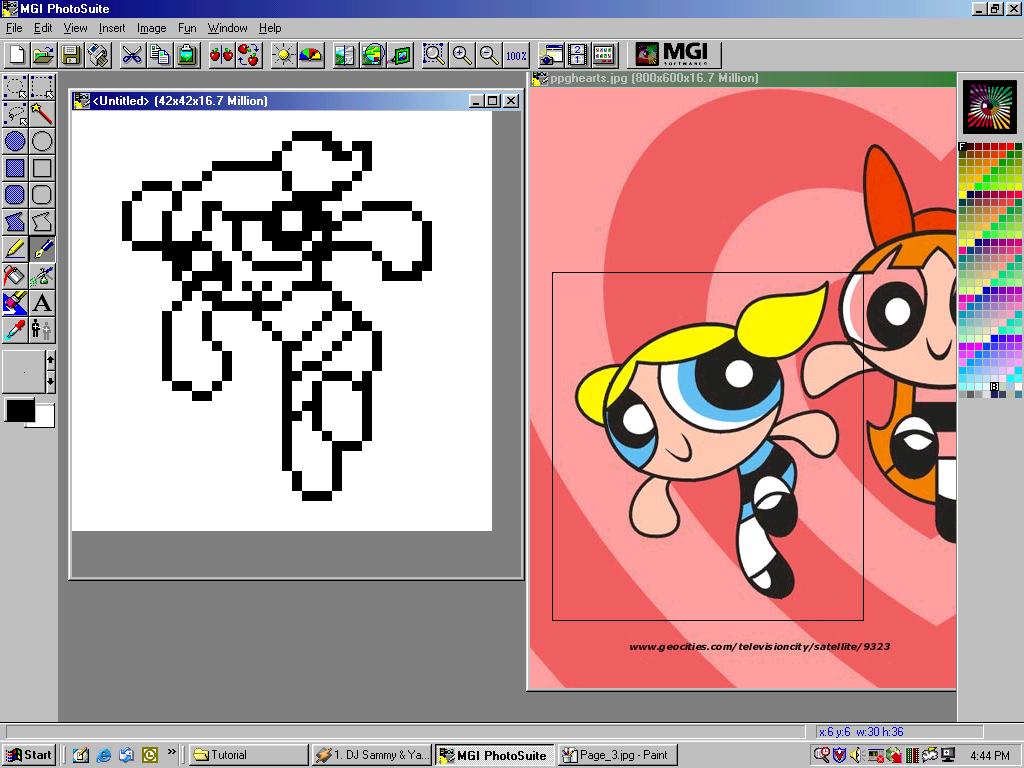
Tutorial


Bwahahahha WELL WARNING: Graphics may be extremely large... Maybe... or maybe NOT!! I really have no clue SERIOUSLY!! *sweatdrops* I have cable minna-san I do not feel the pain of the dreaded PHONE LINE!! Okay well anyways... First of All I use MGI Photosuite 8.1 I have no clue if everyone has this... And I DO NOT use Microsoft Pain to do my sprites *sweatdrops*  Well you can see lovely black spots on the pictures that is because well I did not want my lovely THINGs to be shown... Oh wells Now lets begin!!

I recommend to actually have a picture as like a base... Only if you people have vivid imaginations then far be it from me!! Well I used a wall paper of the ending pose the PPG does. To get your file ((omg I actually am explaining O.o)) Go to File>Open dun dun dunnnnnn hehe
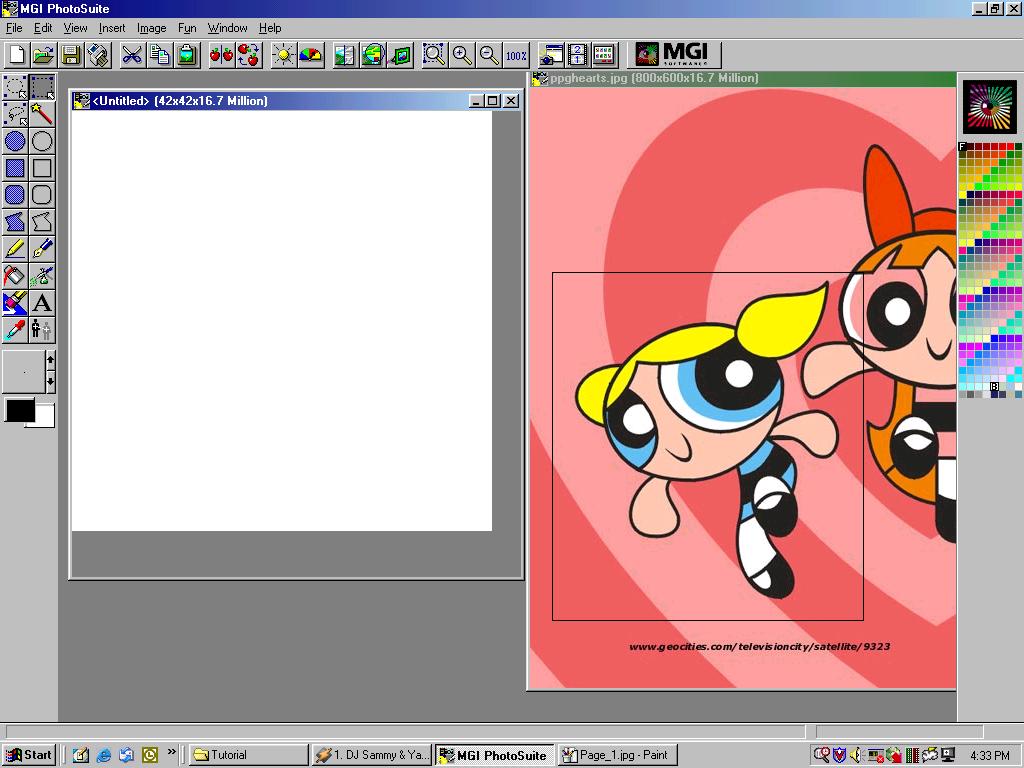
Okay now that you have your lovely picture. I am going to base all this on Bubbles, which I have boxed for you to SEE!! Okay then go to File>New>Image *sigh* I usually use a 42x42 but hey it depends totally on you!! Oh yes please xoom in... I do not want your poor little eyes to fall out!!
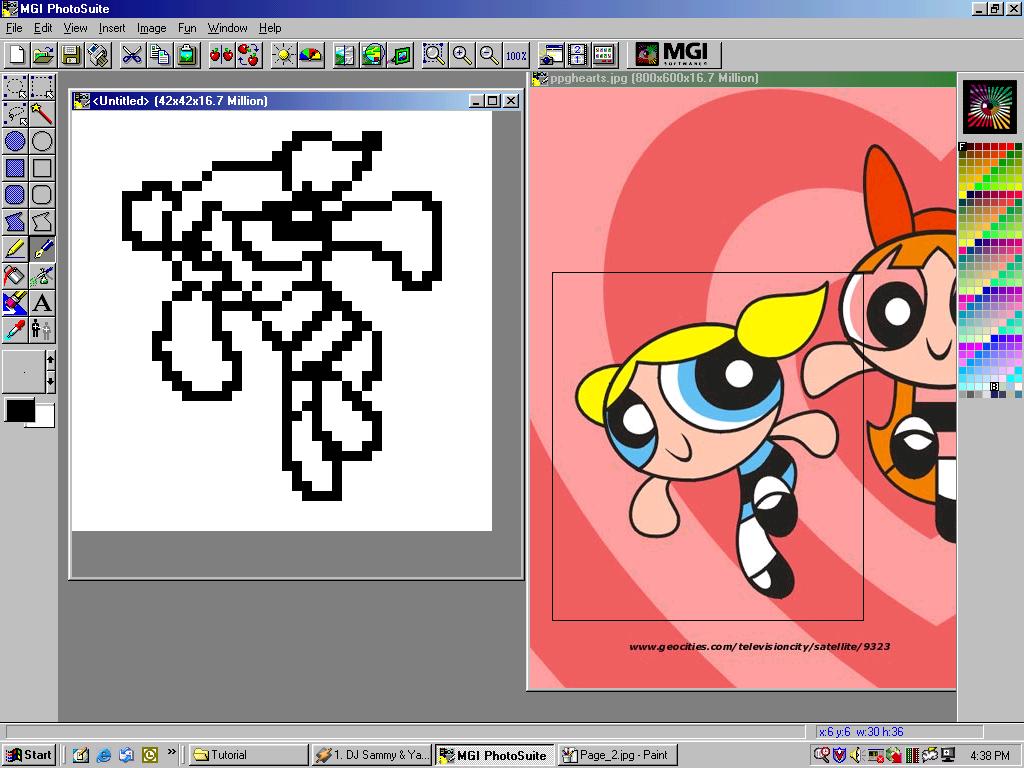
Using the pen tool... which I hope you people know what a PEN looks like do a really rough sketch... Of course use the circle tool or whatever in your need to make this sketch... Seriously people do not take one billion years on this sketch... because you will be able to tune it up laters... ALOT actually!!
Now tune it up make sure you don't have what I call "double" boxes... If you see the differences you can see I tend to make everything in one single line... not double... or else it looks chunky.. XD
At this point SAVE your little uncolored sprite!! I swear I hear alot of people whining saying MY SPRITE!! Oh wells poor them right? O.o I hope you people know how to save... either hit CTRL+S or go File>Save... Save it as a .gif file please? You will see why laters...

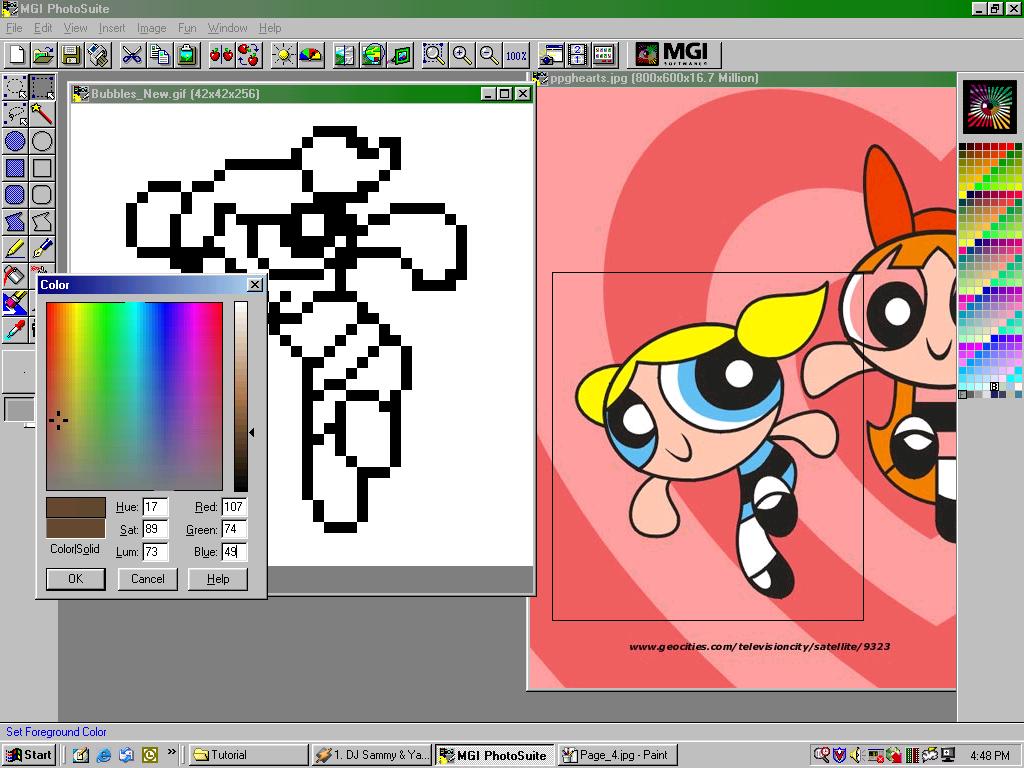
*gasp* Now the coloring... dun dun dunnnnn I will tell you you WILL do alot of changes... because you will look at it at say OMG IT LOOKS HORRIBLE!! Okay the skin color lets begin... If you see on your right you'll see A WHOLE BUNCHA COLORS!! Seriously those colors don't do well with the skin hehe... Sure lets have Bubbles have some purple skin... brown skin  you WONDERFUL!! Okay pick one of those lovely colors and double click it make sure you are NOT going to use that color... Obviously you won't use over 75% of those colors hehe so you have many choices... When you double click it it'll have a window pop up.. Yes so now you see that where it says "Red, Green, Blue" Yes you are going to INSERT NUMBERS THERE!! Hahahah!! Here's the skin color numbers and put it in that order PLEASE?!

Skin:
Outline:
107
74
49
Shading:
239
189
156
Main color:
255
239
222

Always do outline first...

| Main | Next Page |