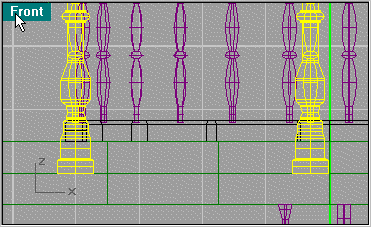
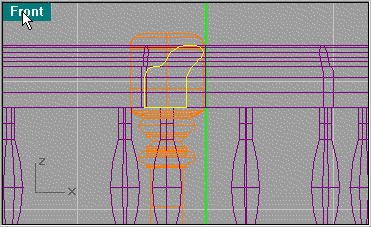
Now to scale the post, move the base block to line up with the floor. Then use Snap Center at the same time you use Scale 3D. select the top center of the post as shown then the bottom center. Move it up and align it with the center of the lower block.
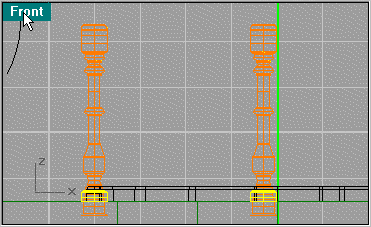
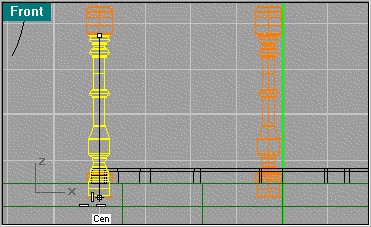
Now the pieces are proportionate.
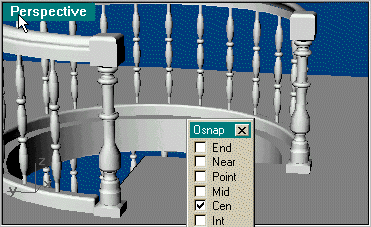
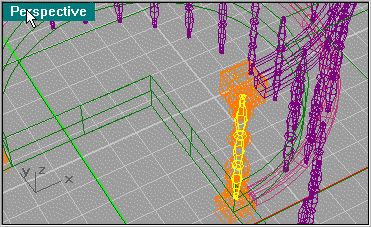
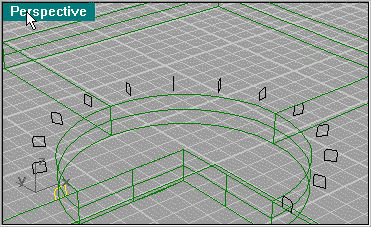
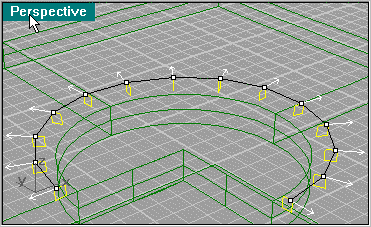
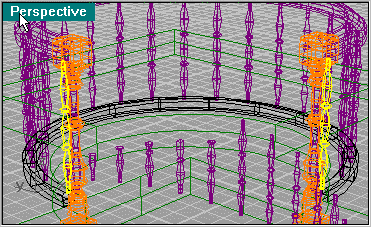
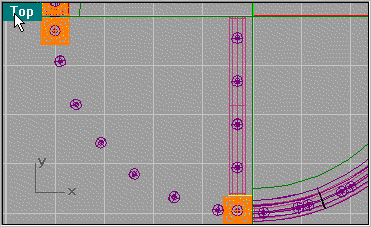
Next create an Array of spindles along the edge of the hole using 5 objects starting with the spindle that's in the banister post.
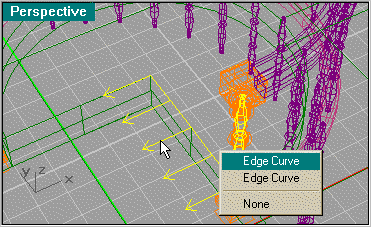
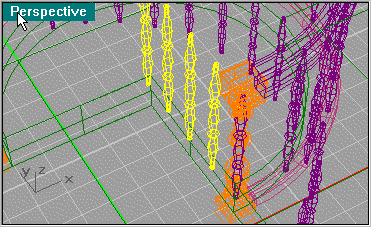
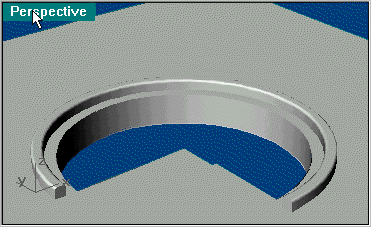
Next copy the floor base pattern as you made before and line it up as shown. Use Extrude Planar Curve to extrude it to the edge of the hole. Then Fillet the upper edges using .05.
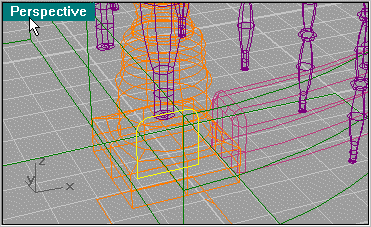
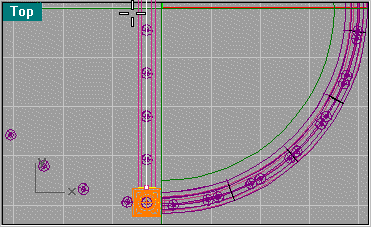
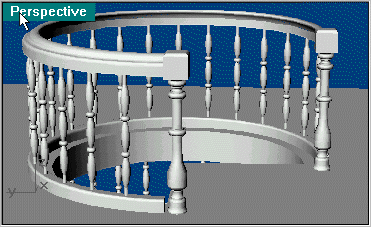
Next do the same with the banister pattern.
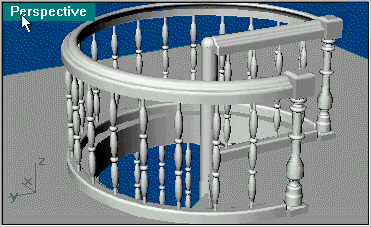
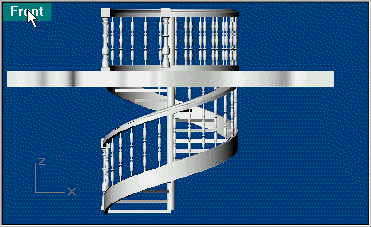
Here you see the final render. Click on second picture for larger picture.