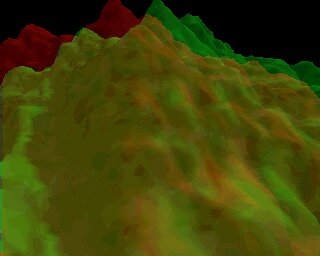
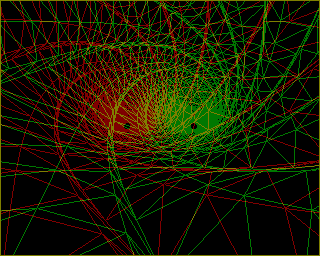
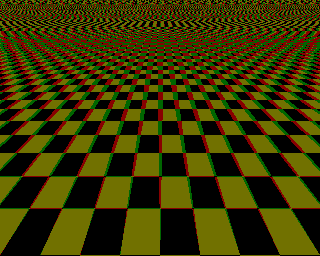
Get some red/green specs and take a look at these!

Before you go any further, fetch those specs that have been lying dormant in that drawer for months - for at last they'll come in handy. For those who haven't a clue what I'm talking about, '3D' specs are a pair of coloured lenses - which help you to see the 3D gfx such as the ones shown on this page. They're usually available as freebies stuck to magazines or available in breakfast cereal boxes.
If you haven't got any specs, then there are some stereophonic pictures further down the page, but you'll need a keen eye to see those in 3D.
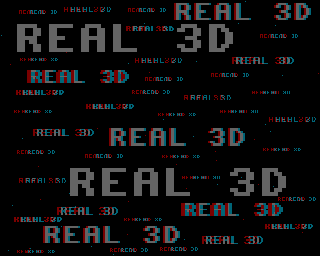
This first one is the easiest way of telling if you are seeing in 3D.

Click here for all these pics (and lots more!) at full size

Note that if all these surrounding pics don't look quite right (they should go into the screen - not
come out of), try reversing your specs - that should do the trick.
It's a shame they rarely do red/blue glasses, because these would be more effective. The reason they would be more effective is because the monitor green element is not very pure - containing contamination of the other two primaries (quite a bit of red and a little blue). This means that the red see-through plastic in the lenses is not entirely filtering out the 'green' pixel light on screen. For those more interested in the universal green problem on monitors, see my Colour/light doc.

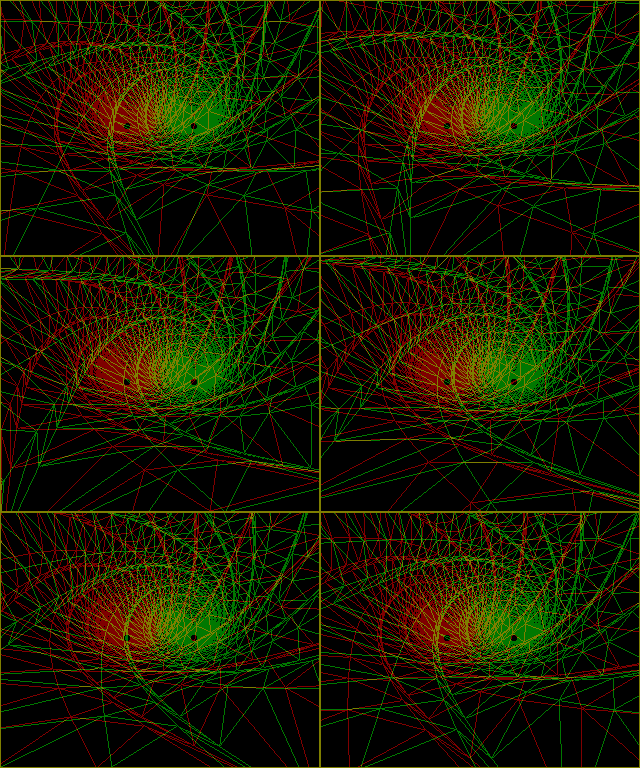
Click this link to see a 3D animation (GIF) zooming through a tunnel (200k)

True stereophonic pics

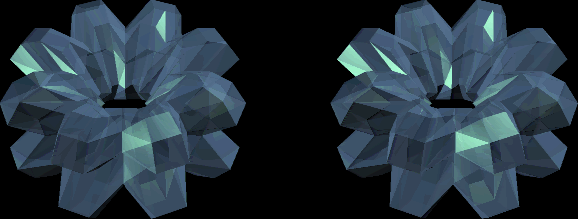
It's very rare that you'll get the latter type of stereophonic 3D, which is strange considering the format has so much to offer. For example, images can be in full colour and aren't restricted to the usual wireframe scenario. Obviously, it's harder to see the effect properly, but if you can persevere, the results are spectacular. Before you attempt to view the images in this gallery, see if you can first see this pic in 3D (remember, you're /not/ meant to use 3D glasses for this). Try to focus in front of the screen. If you're having difficulty, then try putting your finger in between your eyes and the screen. First look at your finger, and then shift your gaze to the screen. You're aiming to get both of the crystal images to slide 'into' each other - to form one picture in the middle. Give it your best shot. If you can manage it, your reward is a ticket into the gallery which is achieved by clicking on the crystal pic!
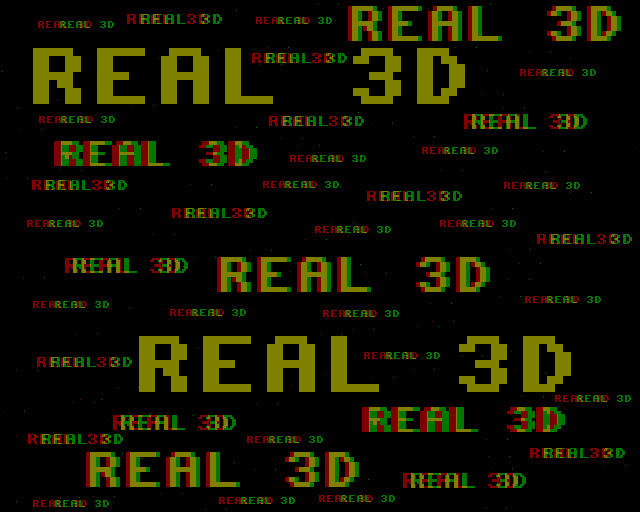
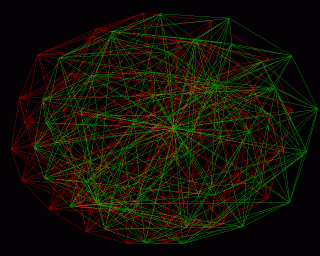
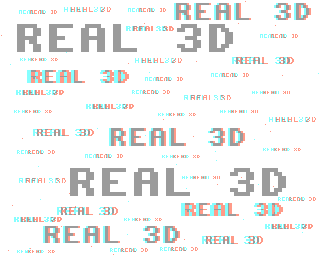
Back to the old 3D specs method, here's something to confuse and confound. Take a look through your 3d glasses at these two pictures. The left pic demostrates the orginial picture with red on the left and cyan on the right. With your specs the right way round, this should look as though the biggest text is closest. Which is does - fine so far. But now, take a look at the right picture - here, the cyan colour is on the left and the red is on the right. Logically, this should make it look as though the biggest text is further in the background - but it doesn't! A real mystery - see if you can work it out. It took me a while.