|
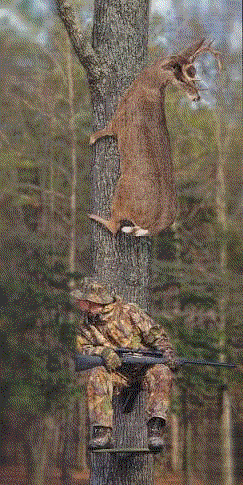
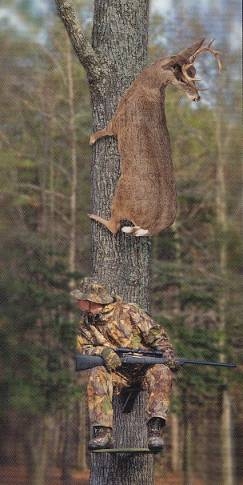
On the left, GIF at 51,061 bytes in file size. On the right, JPG at 47,836 bytes. The JPG has much better visual quality and with its smaller file size, it is the one I would choose as a web graphic. By the way, this is the way my husband hunts deer. Never brought any deer home yet! You should see him FISH! |

|


On the left, GIF at 3,681 bytes in file size. On the right, JPG at 13,844 bytes. Since there is no visual difference between the two formats of this simple drawing, the GIF is the better web graphic because of its file size. |

|

 To make this complex drawing, I applied gradient style along with two 3D effects (inner bevel and drop shadow) to the happy face. I would use the JPG file for a web graphic because the image quality is better. |

|
 This same GIF graphic from Step 2 has the blue set as a transparent color. The size of this file is only 3859 bytes, an increase of 178 bytes for setting this transparency.
|

|
So the number displayed in the PSP status bar is MEMORY size and NOT file size!! I never knew that! Chock it down to another lesson learned! |