 |


Using the Magic Wand, I selected the M and applied an Outer Bevel effect to isolate it from the background. |
 |
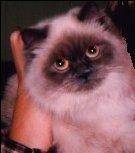
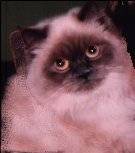
I used the photo of Audrey the cat with its complex background. Using the Freehand Point-to-Point selection, I was able to isolate the hand and wrist. I cloned sections of the cat and the background to replace the hand. |
 |
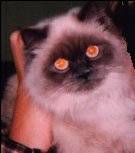
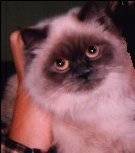 I tried removing red eyes manually as well as with the RedEye Removal feature in PSP7. Of course, the RedEye Removal is much faster as it automatically inserts the glint and its brightness. (Manually, you have to pixel in the glints and select colors). |
 |
The size of the original JPG photo before resizing, is 70,962 bytes at 431 pixels wide and 353 pixels high.
On the right, the cropped JPG is 4,894 bytes at 160 pixels wide and 183 pixels high. |
 |
It is definitely a good idea to FIRST select the repair area you are working on, so that you don't "spill" outside of the repair area. |