


|
 |
| ||||||||||||||
Note: not yet working in Netscape; in Internet Explorer only.
Use the mouse to hover over an area of interest:
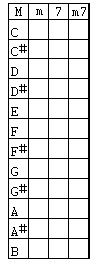
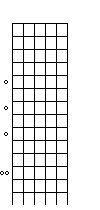
For the guitar, hovering over a chord cell in the diagram at left shows the fingering on the fret-diagram. Swoop the mouse side-wise over the fret-diagram to choose a position of the barre (default is at base) whose position fixes as you leave the area of the fret-diagram. Then, going back to the chordchart-diagram, shows the new finger positions.
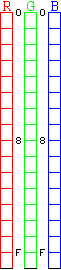
For the colour chart, as you hover the mouse over the region of a colour-bar, an arrow appears at that location showing the value. As you leave side-wise a bar, the value fixes. Choose values for each of the 3 colours, Red Green Blue, and the hex values and intensities of each as well as the mixture are shown in the blocks at right.
You can go back and modify any values and the results are immediate: no clicking is required.