
Links
Cool Cars
Photoshop Stuff
E-mail Me
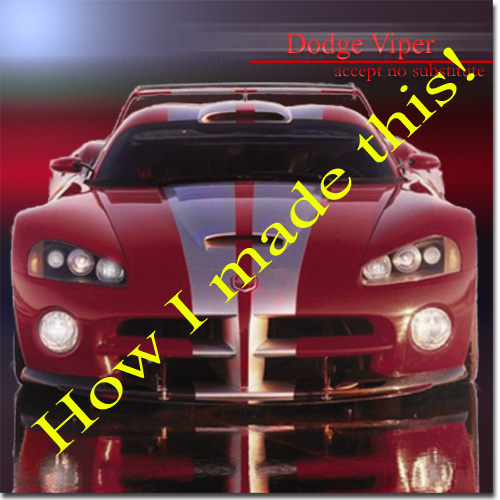
When I wanted to make a cool looking picture of one of my favorite cars in photoshop I first went and found a good picture of the Dodge Viper:
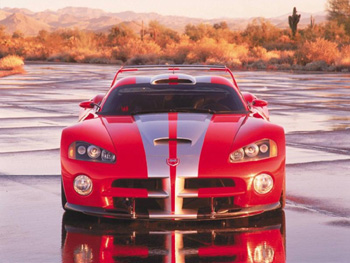
After finding the perfect picture I then thought about how I should edit it. I first decided that I should as closely as possilbe select just the car. After selecting the car I inversed the selection and deleted the background:
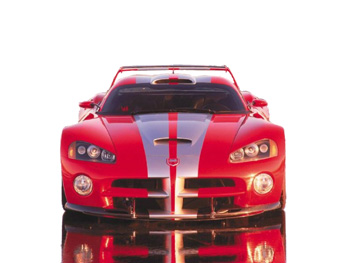
Then copied the car to a new blank window, and proceded to make a background for the picture:
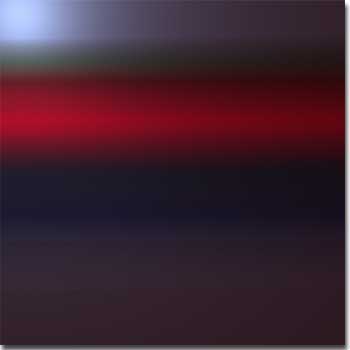
This is the gradient that I created to go as the background for my picture.
After selecting the correct backdrop for my masterpiece I pasted the cut out picture of the Viper onto the gradient.
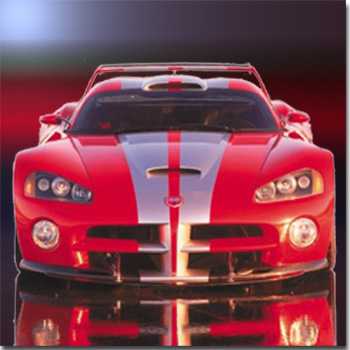
Then after I got the image I wanted onto the background I wanted i started playing around the the dodge, burn, sharpen and sponge tools in Photoshop.
I came out with a final product looking like this:
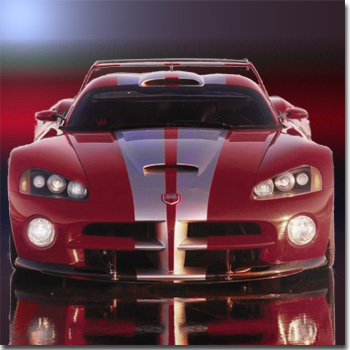
Then all the image really needed after that was some text. After adding some text a motion blur, line (for effect) and some other text effect's it was complete. Overall it took me about 2 hours to make this image. I'm very proud of it
