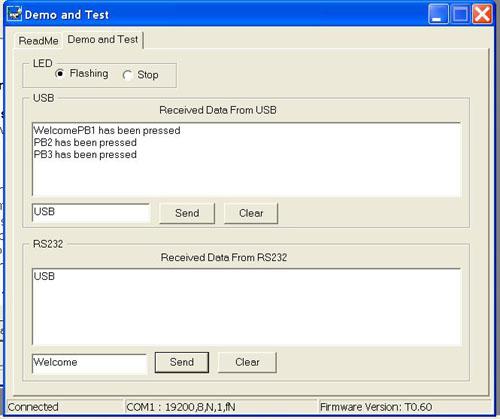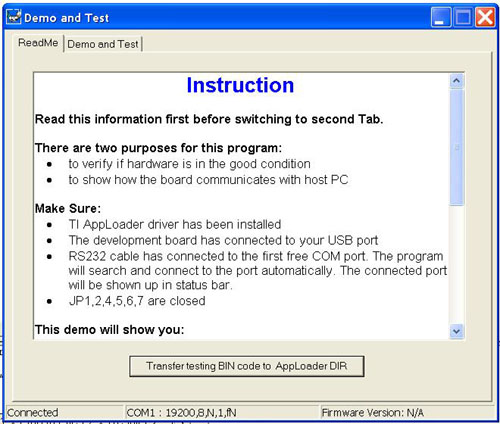
Demo and Testing Program
This is a simple Windows application and for demo and hardware testing purpose only. You can use it to control the LEDs, receive PBs infomation, send and receive data from USB and COM port as a simple USB-RS232 bridge. It is recommanded to use this program and demo/test TUSB3410 bin code as your first application with this board. It can exam if your board and driver are in good condition.
Before connecting your board to the PC
Connect your USB cable to the board.
Your PC will show something like this "New hardware has found", "Driver install…". It will take a while.
Then your PC will show "New hardware has found" again, and install HID driver. If XP is used, the driver will be installed automatically. For Win98, just follow the wizard and let your PC to find a best driver for it to finish the HID driver installation. Wait for a while, until your PC tells you everything is OK.
You should see the Leds are flashing on your board.
Run DemoTest.exe again, switch to "Memo and Test" tab and do your testing.