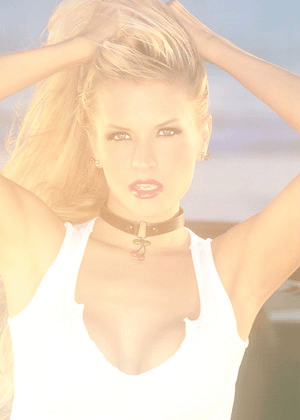
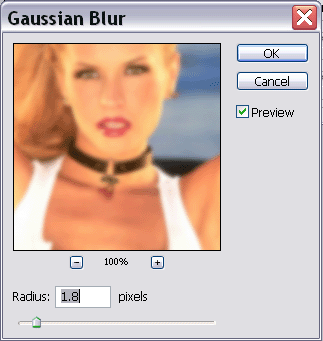
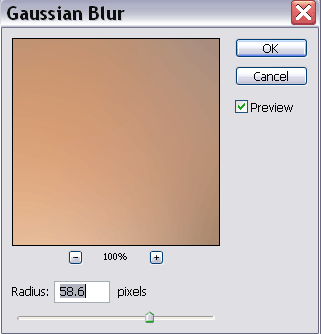
Step2: Duplicate the layer. Now go to Filter>Blur>Gaussian Blur. Now set it to These Settings.
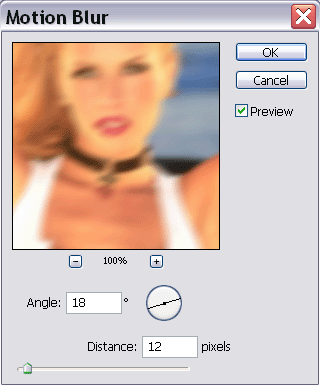
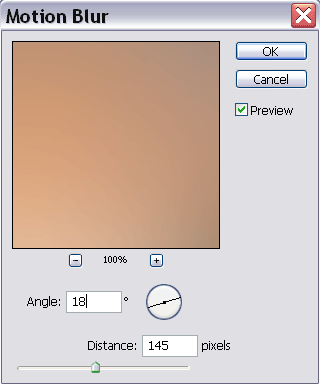
Step3: Go to Filter>Blur>Motion Blur. Set the settings to the ones you see here also.
This is what you should have so far....
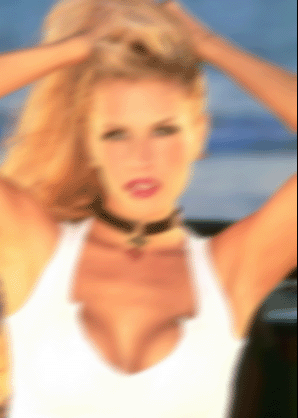
Step4: Now set the layer mode to "Overlay" This is what it should now look like:
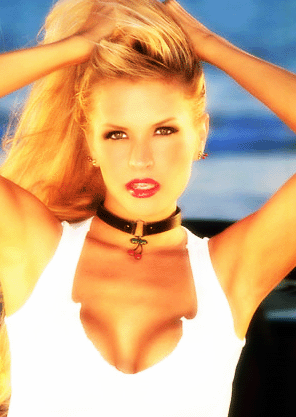
Step5: Go back to Filter.Blur>Gaussian Blur. And set it now to these settings.
Step6: Now go to Filter>Blur>Motion Blur and do the same.
**NOTE: After changing the layer mode to "Overlay" you will probably not see the changes in your image when blurring it. This is okay so dont worry.**
Step7: Finally, Change the layer mode again to "Screen". This is your Final Result.