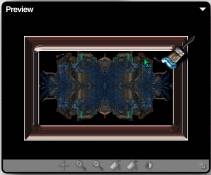
Frames using KPT6-Gel
This is just a simple excercise making a frame using KPT-6.
I used PSP6 as the basic image editor, but the same thing can be done in almost
any graphic program.
Start by opening your image, for this lesson I have used
an image that I created in Zbrush.
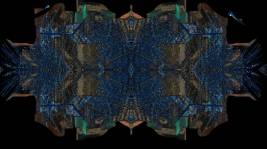
If you wish to use my image, just right click and save to
your drive.
now we are going to add a border of 30, and then select
that border.
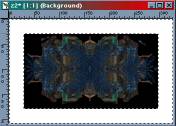
go to image > filter > KPT6>gel.
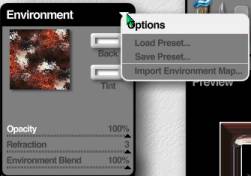
to do this frame I used an environment map that I created.
If you want to use mine, save to your environment folder for KPT.
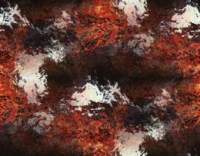
once in KPT you can either use a preset gel, just click
the button on the lower left corner and your presets will appear, or import
an environment map.
without even using any of the brushes, this is how it will
look.