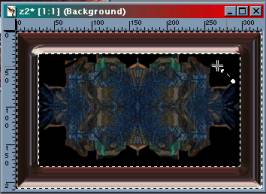
When you are satisfied with the way it looks, click on the check mark in the lower right corner and you will see your frame work.
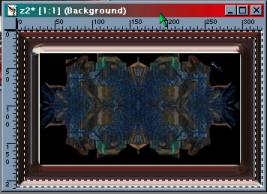
From this point you can either leave it as it is or if you want to make a small border of a different color gel, go to Select > None, then Select >All, Selections > Modify > Contract > 10. Then do a select > invert. This is how it will look. Then take it back into KPT 6 Gel, click on the presets in the lower left corner, and select a gel.
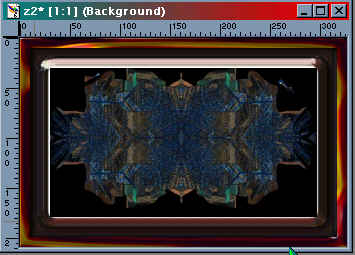
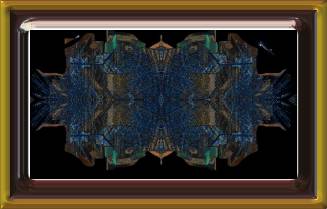
The above pictures were done using 2 different presets.