


|
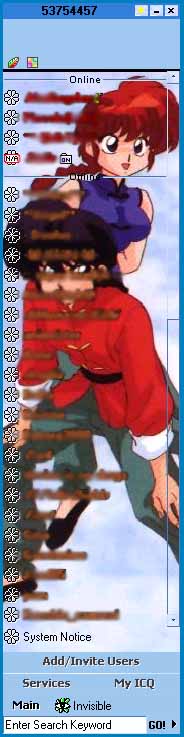
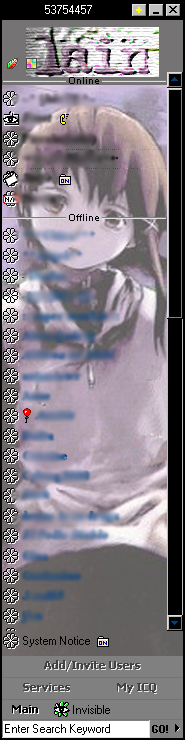
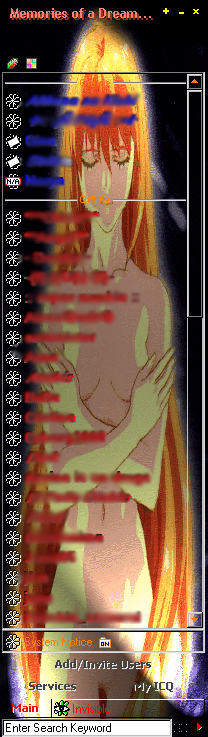
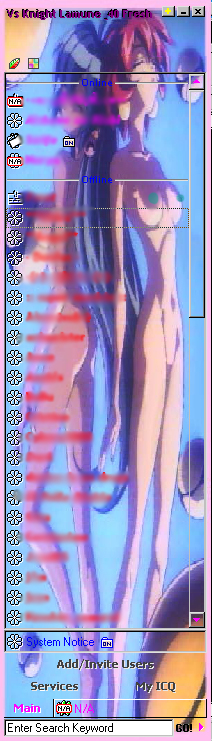
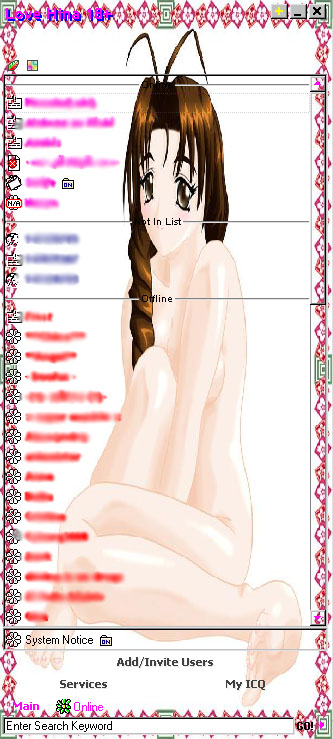
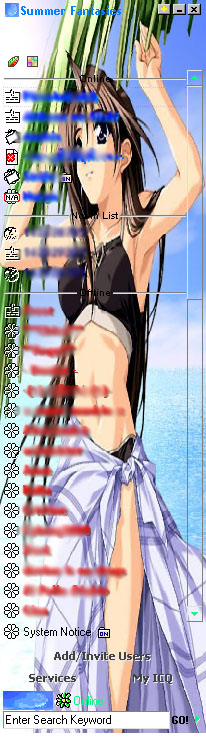
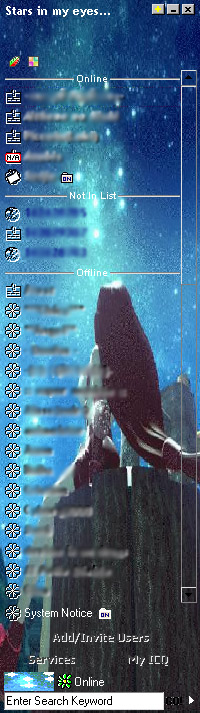
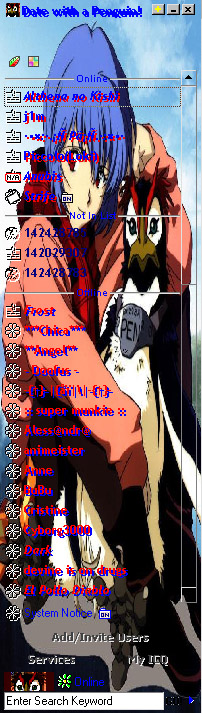
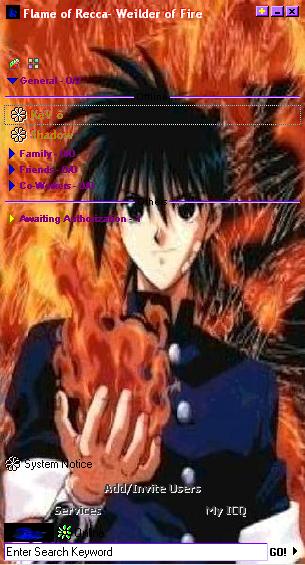
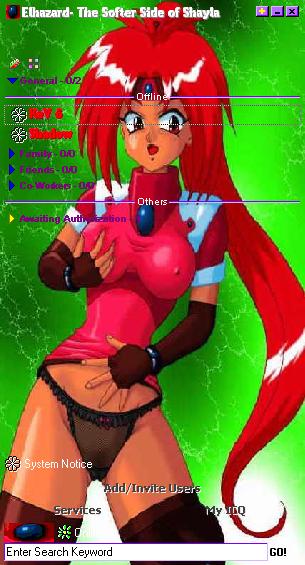
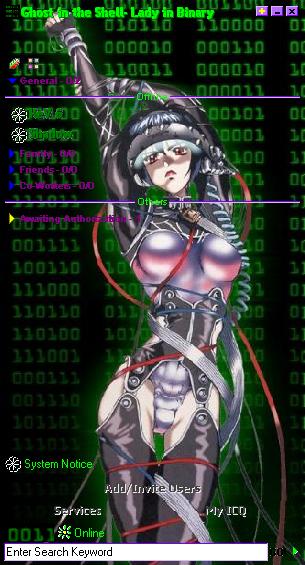
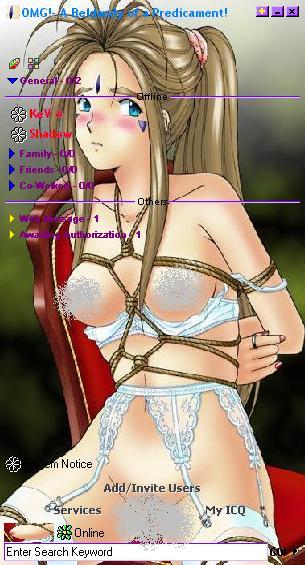
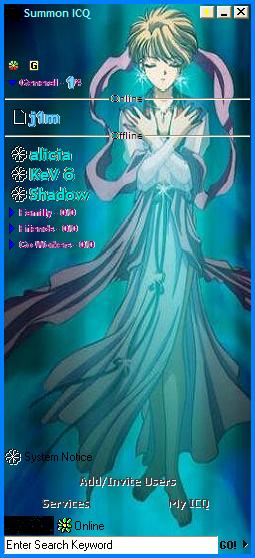
We've gotten questions as to what an ICQ Skin is, so bear with us all of you more savvy internet users! An ICQ Skin is a way to customize the look of your ICQ Chat program. Get ICQ here. You images are applied to the background and at times the buttons to enhance or get rid of those dull old ICQ colors! Just download the ICQ program and the ICQ Plus program ICQ Plus! and install it and then download a skin from our Theme section to your C:/Program Files/ICQPlus/Skins folder. Then just open ICQ, click the + and select a skin! It's easy as that! If you have an image you would like set in a skin, send the image and request to Nathan183@hotmail.com and hopefully I can get around to your request. Wallpaper images are the most workable (this means 800x600 pixels or higher), and I need the picture to be at least 500 pixels high and 200 or more pixels wide. If the picture just fits in the ICQ window a second picture with similar coloration will be needed. This one must be 200-300 pixels or more high and 200-300 pixels or more wide. Don't waste my time if your image doesn't fit these criteria!! If you have a request but no image handy, send a request on the BBS, but remember, I'll be less likely to respond to many of those as opposed to being given the pictures. Thanks and enjoy our skins! |
|
|
|
View it! Link |
| RANMA 1/2 |
|
|
| SE: LAIN |
|
|
| Xenogears - Elly 18+ |
|
|
| Knights of Ramune 18+ |
|
|
| Love Hina 18+ |
|
|
|
| Summer Fantasies |
|
|
| FF VII |
|
|
| Evangelion |
|
|
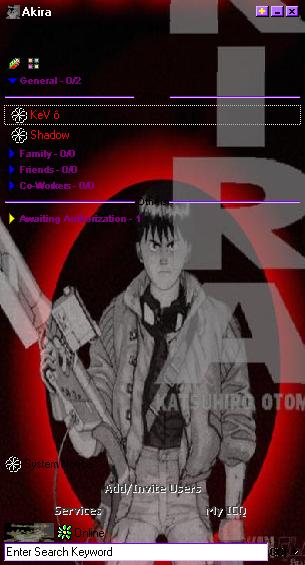
| Akira |
|
|
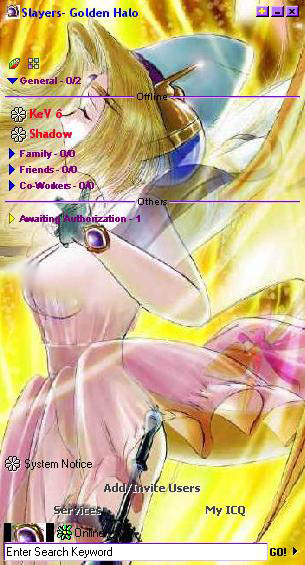
| Slayers 18+ |
|
|
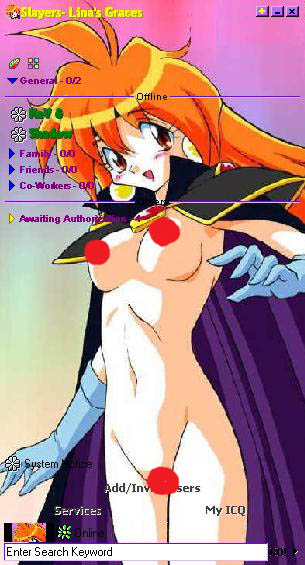
| Slayers 18+ |
|
|
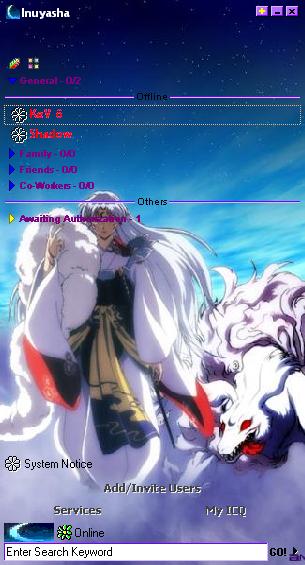
| Inuyasha |
|
|
| Flame of Recca |
|
|
| El-Hazard 18+ |
|
|
|
| Ghost in the Shell |
|
|
|
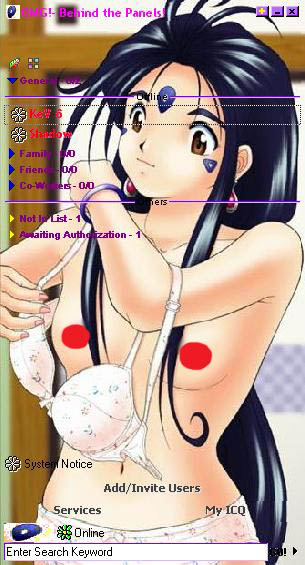
| Oh My Goddess! 18+ |
|
|
|
| Oh My Goddess! 18+ |
|
|
|
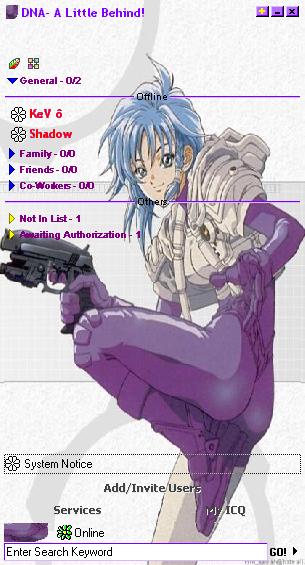
| DNA |
|
|
|
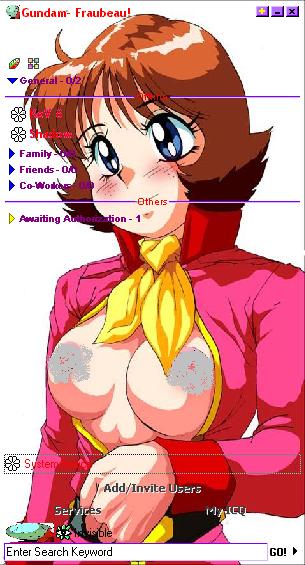
| Gundam 18+ |
|
|
|
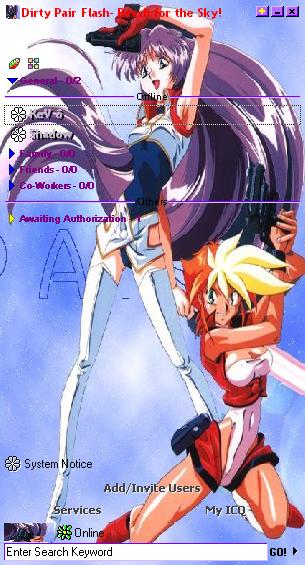
| Dirty Pair Flash |
|
|
|
| Summoner Emeralda (fictional) |
|
|
|