 it and created the square base
afterwards.
it and created the square base
afterwards.How to make a Spiral Staircase page 3.
Here we will create the banister post. Click on the second picture to get a larger
version. Here I did a line segment then revolved it and created the square base
afterwards.
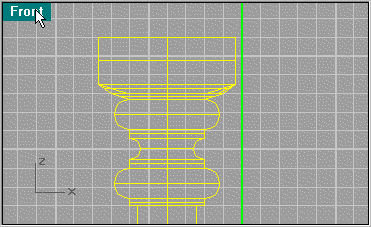
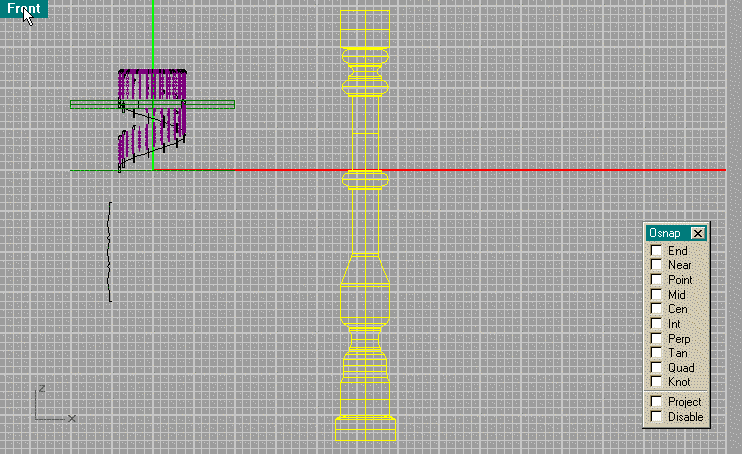
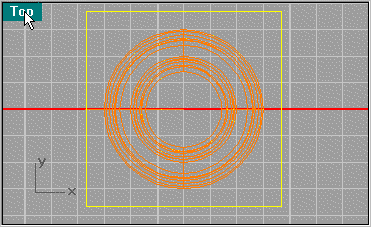
Looking at the top of the post create a Square to be use as a base by Extruding. Next line up the base as
show.
to be use as a base by Extruding. Next line up the base as
show.
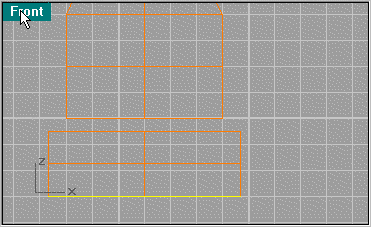
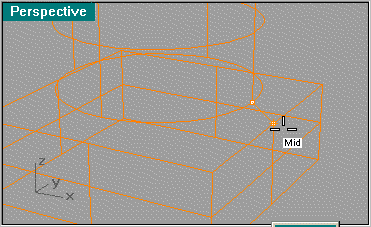
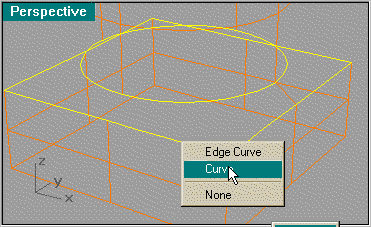
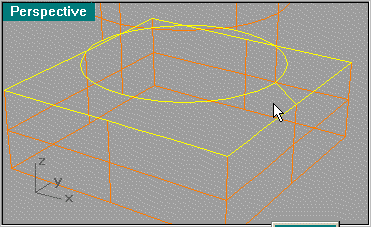
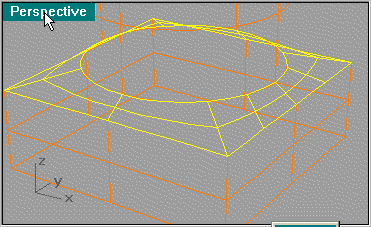
Create a line segment between the 2 objects using Snap Mid to line it up. Then use Sweep 2 Rails.
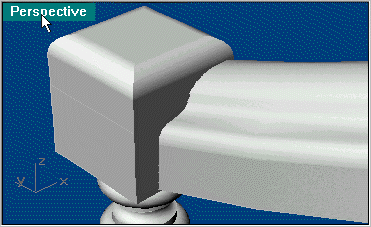
Next scale the post so it lines up from the floor to about were it is shown. What I did is put a cap on top and Fillet the edge.
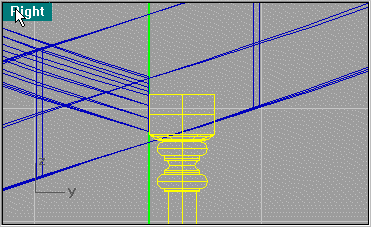
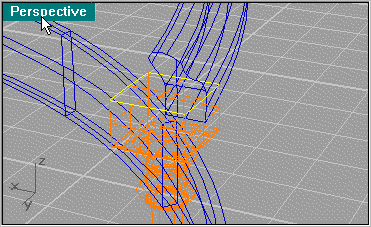
Use Extrude Planar Curve to create the cap and then use Solid/Fillet at .1 unit to bevel the edge.
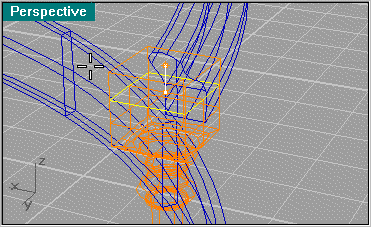
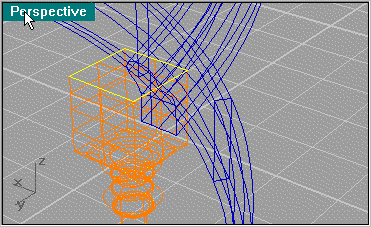
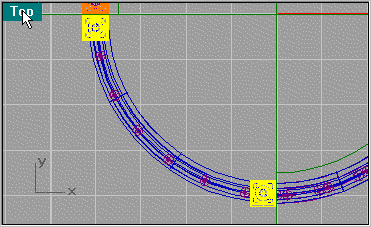
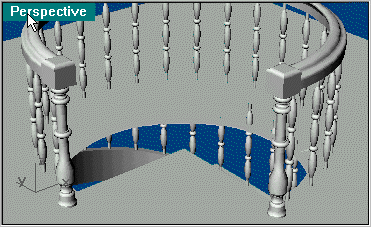
Next use Copy to create 2 posts at the end of the banisters on the second floor. The scale will be dealt with later.
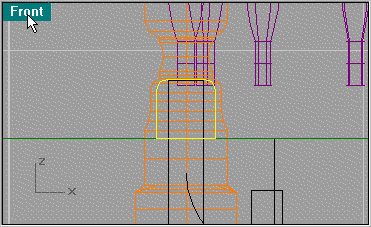
Next we will create a rail at the base of the spindles. I used a square then filleted the segment at .05 units and then scaled it down to this size.
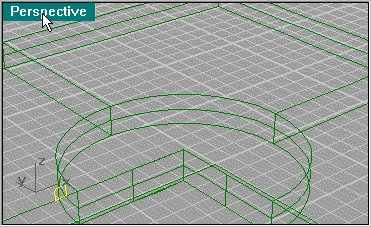
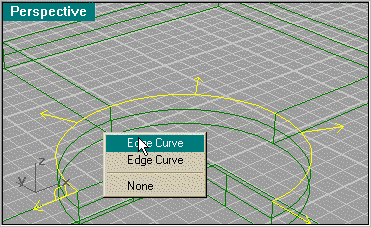
Use the Array to duplicate the pattern and then Loft .
.