In case you're wondering, here's some technical stuff about the site (mostly) in layman's terms!
explanation of site versions
If you've ever made a web page you'll know how hard it can be to get something to work the same way in different browsers. What looks good in one browser may be all misaligned in another and not even visible in others. That's before you even take into account the different browser versions, screen resolutions, plug-ins, internet connections and operating systems.
There probably are ways around alot of the problems but for an ametuer like me, the easiest way is to create the desired page even though it may not work properly for everyone, and then create a simpler version of the same page that still contains all the same information. The visitor can then be presented with a choice and can choose the version that best suits them.
In this case it is the main page that poses a problem to some browsers. The trouble
is that this page uses 'frames' that divide the screen up into sections that can each load a web page. Using frames I created a menu bar which remains in the same position on the screen, while a frame below it displays pages when the menu links are clicked on. However, some browsers do not support frames, meaning that their users cannot access pages that use frames.
Below are some examples of how different one page (the main page) can look in five different browsers at three different screen resolutions.
Screen Resolution 1024 x 768 | 800 x 600 | 640 x 480 |
|
|
|
|
|
|
|
|
|
|
|
|
|
|
|
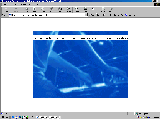
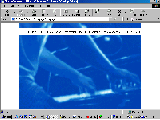
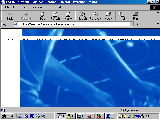
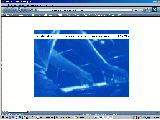
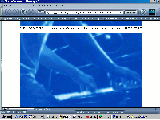
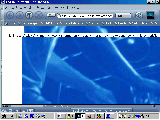
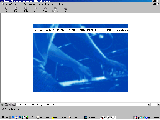
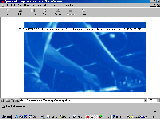
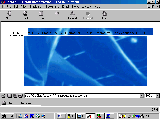
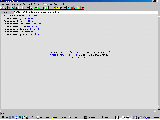
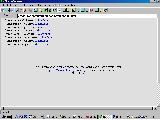
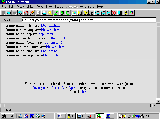
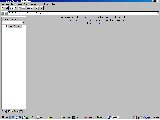
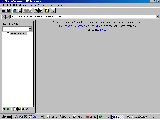
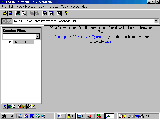
That's why there is a second, no-frames, version of the main page containing the most vital feature - the links - available. It uses basic HTML features such as tables and is made to be viewed at any screen resolution.
equipment
I used the following grouse programs to make the site:
Windows Notepad to type up the HTML code
MGI PhotoSuite SE to scan, create and modify images
Netscape Composer. I don't like to use a web authoring program to do the HTML cause it can be really hard to go back and change the code, but this was useful for testing things and finding colour codes
WS_FTP Limited Edition for uploading lots of files at a time
Browsers Internet Explorer, Netscape Navigator, Opera, Amaya and Mosaic to view the pages
GeoCities utilities such as Advanced HTML Editor and File Manager
A pair of comfy pants.
information sources
There was only one place I needed to look if I needed to find out a new piece of HTML, or learn about Frames, or figure out Cascading Style Sheets: HTML Goodies by Joe Burns, PhD. This site has everything you need to learn about HTML... well, maybe not everything, but there sure is a shitload of information. If you'd like to try your hand at HTML, have a look at the Beginners' HTML Tutorials there... they start from scratch and make everything clear and understandable.
And by the way, don't just think about making a website. Try it! You can download all those top notch programs listed above from their websites for free (the pants cost me $20), and it's free to get a login space at a host company (that's where you keep the pages and everything for people to access). I think it's fun :) and you'll never know if I'm crazy or not unless you try!