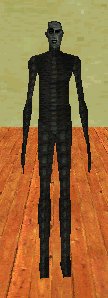
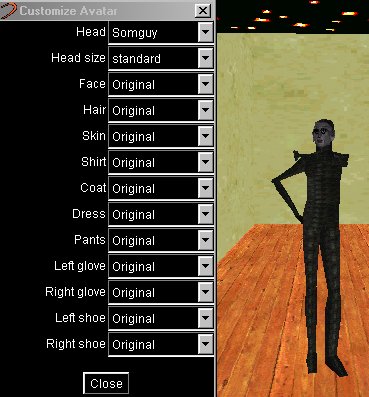
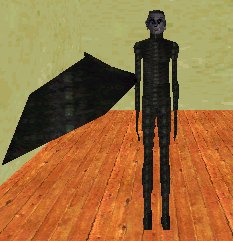
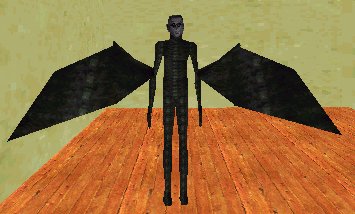
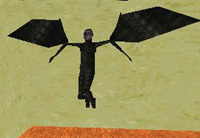
This is golem, he is a standard Worlds avatar. Open your ini file. His code will look like this:
VIPAVATAR=avatar:golem.rwg
PeLbMb0bGnightglyderOaRbUb
VERY IMPORTANT= The 0 in the 0bnightglyder is a zero not the letter O.
You now need to go to File (up in the top left of your .ini file) and Save this change, once done you will need to TELEPORT to activate the change.
To put wings on your right arm you will now need to find the letter U . It will be followed by the letter b Insert 0bGnightglyder after Ub. That part of the code should now look like this:
PeLbMb0GnightglyderCaRbUb0bGnightglyder
You will need to Save this change and to TELEPORT the same as you just did for the first wing. This avatar now has wings but does not fly.
To make him fly follow the instructions below:
Find the letter P . It will be followed by the letter e . Insert Ggolem after Pe . Now go to the beginning of the line of code. You will see this:
VIPAVATAR=avatar:golem.OETgolem............
Highlight golem and overwrite it with nightglyder
The finished line will look like this:

*You can add, colourize, and size wings plus change actions on any avatar.
If your avatar disappears look for SZZZ in the line and change it to SYZZ or SZZY