Numbered Lists < OL >
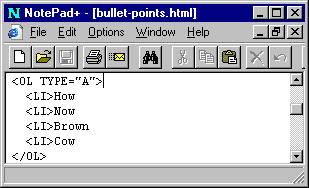
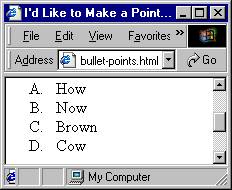
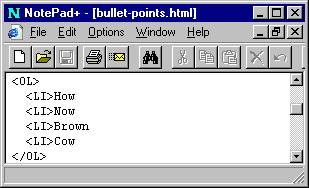
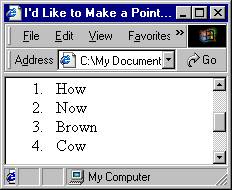
After looking at your newly crafted bullet lists, you think, I wonder what it would look like if Numbers or even Letters replaced the bullets. Well you are in luck, because there is a simple change to make and the bullets are replaced by an ordered listing. In the < UL > tags that created the Bullets for you, change the U to an O, this changes the listing from an unordered list to an ordered list. Make the following changes to your code and see the difference for yourself.
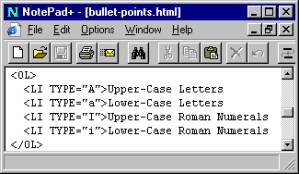
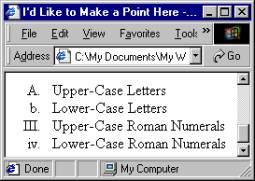
I made a mention about that the ordered list could be a Lettered listing, such as with an ‘A’ or ‘a’ or perhaps Roman Numerals ‘I’ or ‘i’. If you haven’t forgotten how you changed the Bullet styles, you’ll recognize how you can change the numbers to letters similarly. In the < OL > or < LI > tags add the TYPE= comment and check it out in a browser. Make the changes below and you’ll know first hand.