 |
 |
www.art15.co.uk All
drawings © Paul Martin 2003

       |
|
:::
Photoshop Colouring ::: STAGE 9 :::
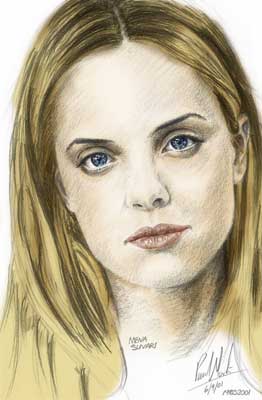
Here is a useful technique for colouring a scanned black and white drawing using Adobe Photoshop. |
||||||||||||||||||
|
|
 |
||||||||||||||||
 |
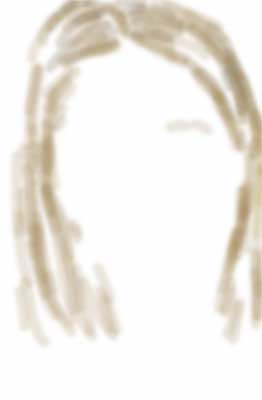
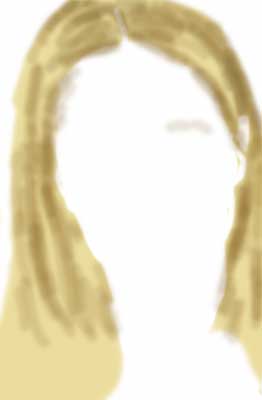
Create a new layer. Call this 'Hair Multiply' and set its layer mode to Multiply. Selecting the darker hair colour and using a soft-edge brush tool, paint in the deeper shadow tones. Set the layer opacity at 80%. (top
left) |
|||||||||||||||||
|
||||||||||||||||||