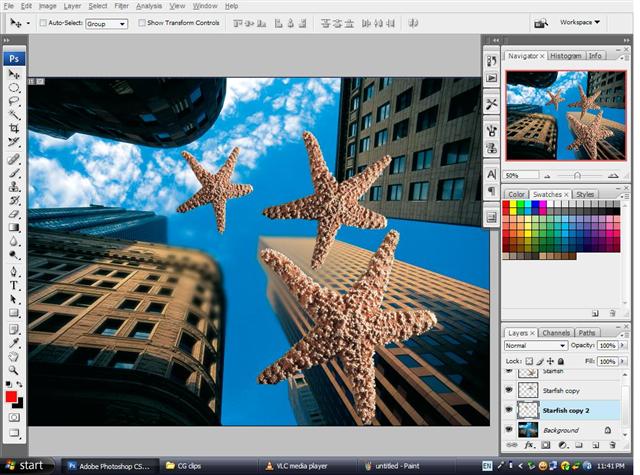
then, make 2 more copies of the starfish by click and drag on it while holding the alt key down.
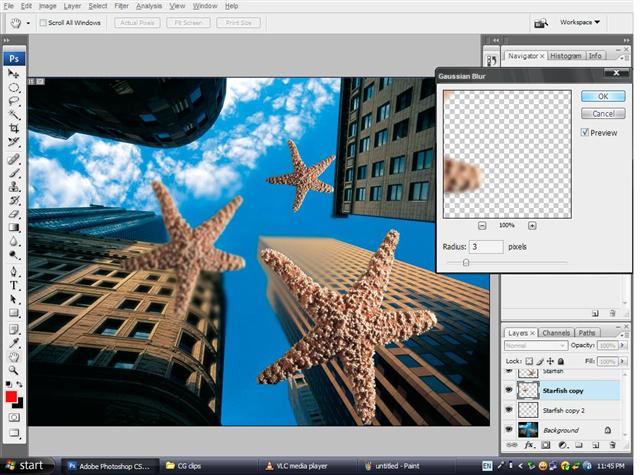
use free transform (ctrl+t) to arrange the size and angle of your starfish.
then,continue by blurring the 2nd and 3rd star fish image to craete the effect of falling from the sky.
the smaller the starfish,the blurrer it gets
.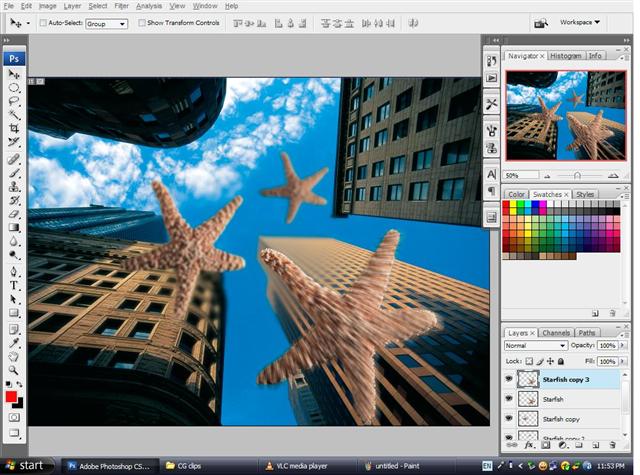
create a copy for the first starfish image,
then apply radila blur on the starfish.set the effect to zoom and the quality to best.
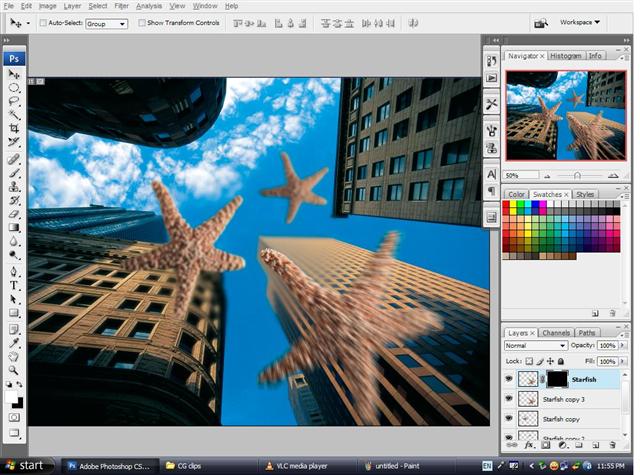
after that,create a layer mask for the starfish copy image.
make sure the background color is black.
press ctrl+delete to fill the layer mask with black.
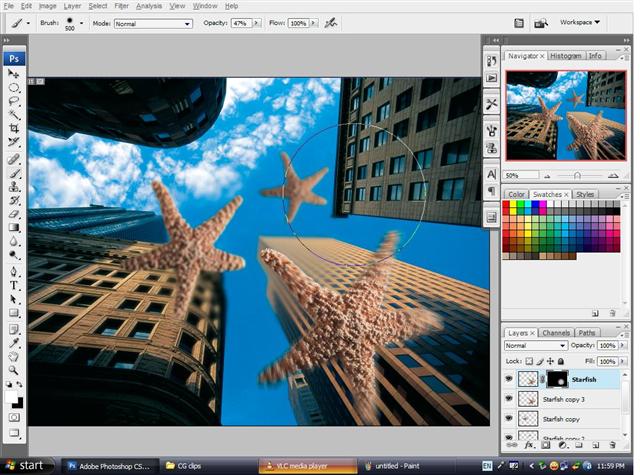
select the brush tool,make sure its a softedge brush.
make sure the foreground color is white,you can control the brush size by pressing the left or right square bracket tool.
click once on the center of the blurred starfish to clear the center,giving it a real good falling effect.
previous page pg1 pg2 pg3 pg4 next page