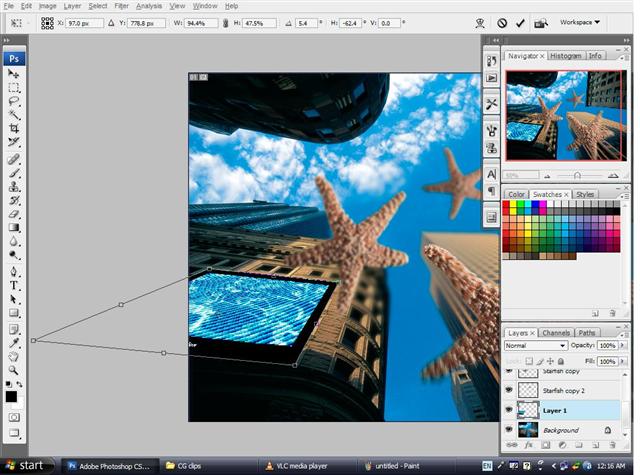
place the tv on the building and stretch it in place by using transform (ctrl++t)
stretch until you get the right angle for the tv.
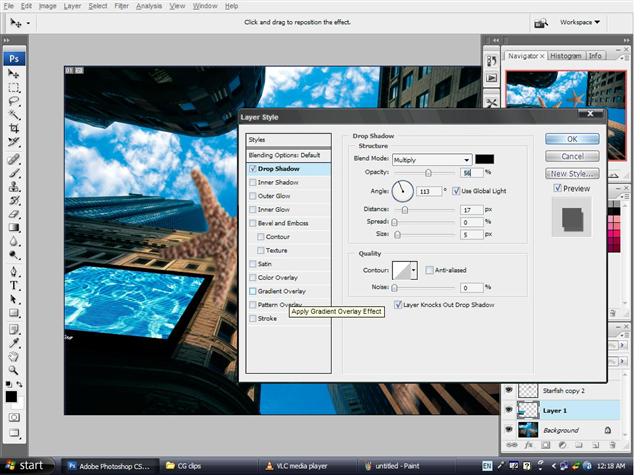
it doesnt feel realistic without the shadows behind.
go to the layer style and choose drop shadow.
you dont have to change anything.just drag the shadow that appears behind
the tv to whatever angle you think is the best.
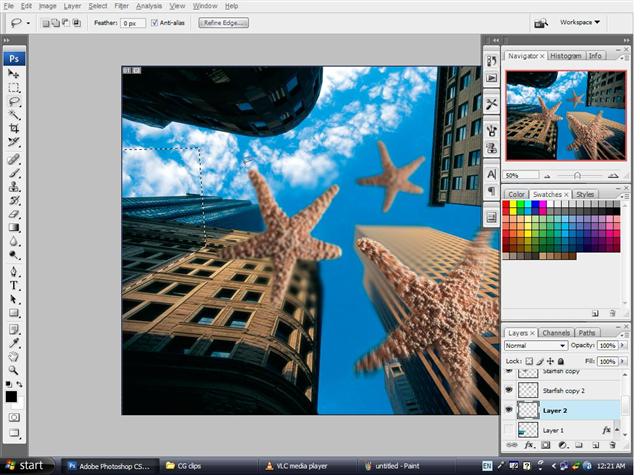
theres still something wrong.there isnt shadow on the surface of the tv.
so we will now create shadow on the tv.but first click off the visibility of the tv.
use the lasso tool to create the shape of the shadow.fill the selection with black.
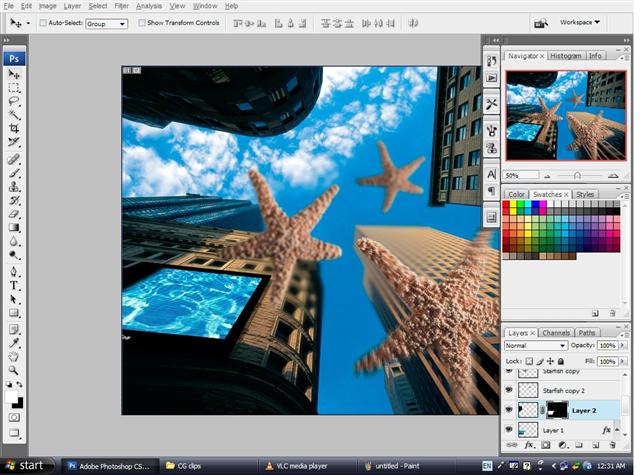
use gaussian blur on the shadow to make it look more realistic
ctrl+click on the plasma tv to select it.be sure the layer your on is still the one with the marquee selection.
create a new layer mask and you have your shadow.
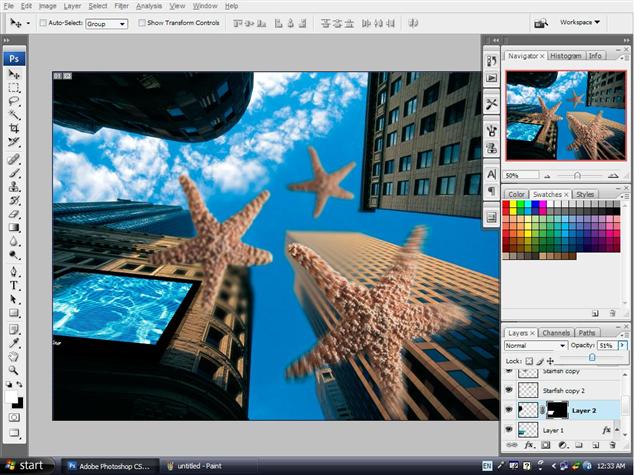
last but not least,tone down the opacity of the layer to get the perfect shadow effect.
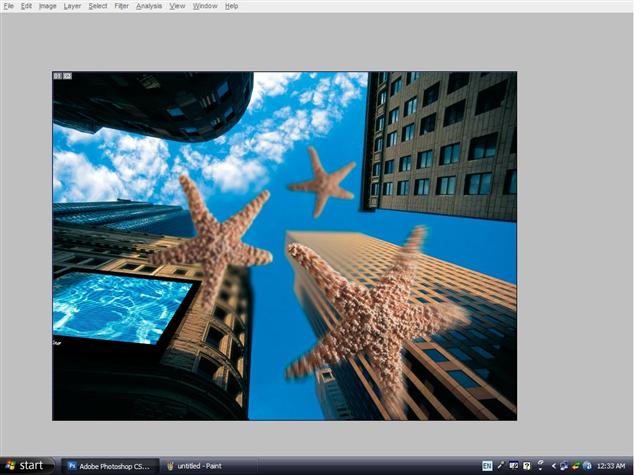
now,just press on the tab key to get rid of all the tool bars to view your finished work.