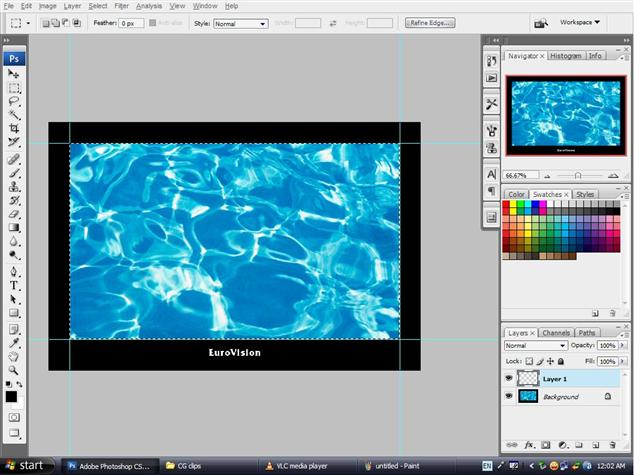
continue by opening the plasma tv image.
use the rectengular marquee tool to make a selection only on the screen.
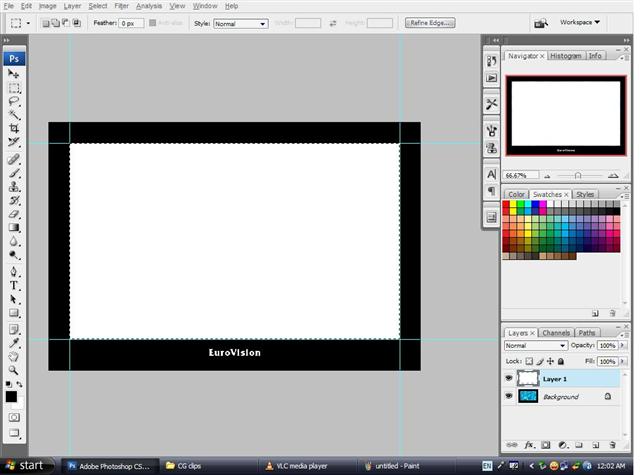
make sure your background color is white.
then press ctrl+delete to fill the selection with white.
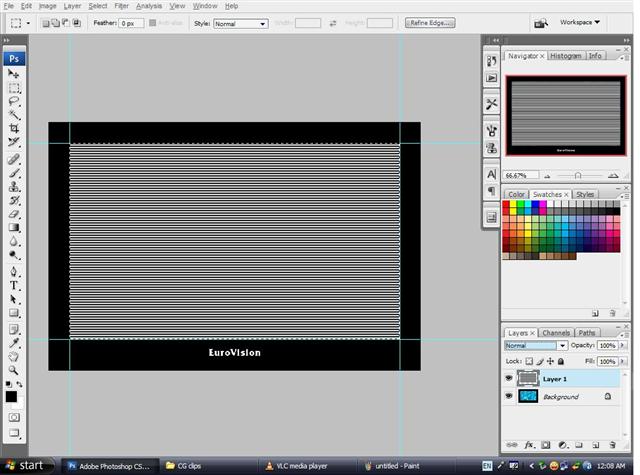
then,create the screen effect by using halftone pattern.
choose whatever size you think is best.
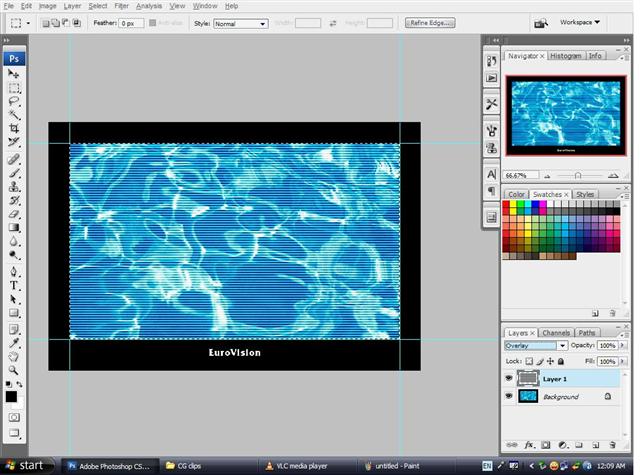
the one above doesnt feel realistic yet.
so,change the layer mode to overlay to get this wonderful effect.
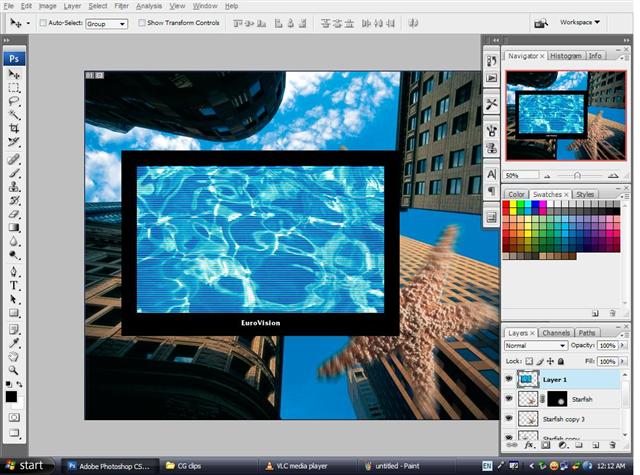
after you're done with the plasma tv,drag it over to the background your working on with.
previous page pg1 pg2 pg3 pg4 next page