This is the documentation of one of my tutorials i've done in CG class.
We are suppose to choose one of the tutorials and i chose tutorial one as it's where everything starts.
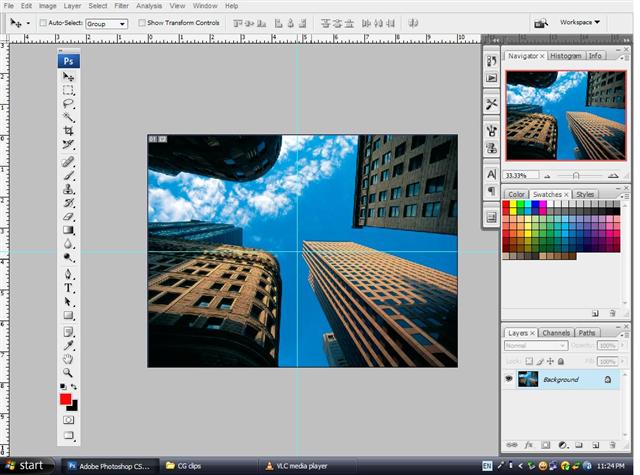
first of all,bring out the background picture.
use the ruler tool as guide to draw a vertical and a horizontal line in the center of the picture.
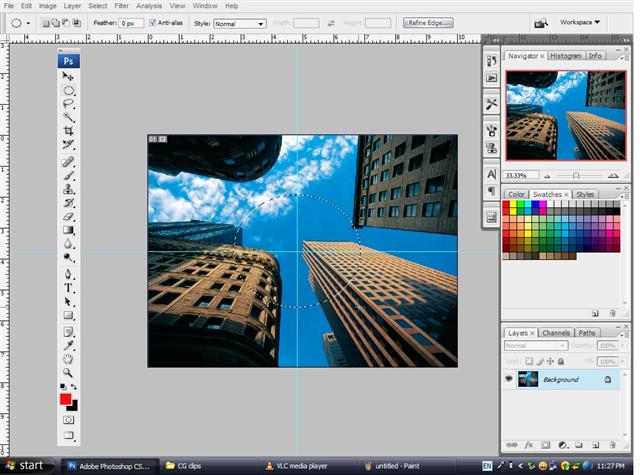
then,use the elliptical marquee tool to draw a circle at the center of the guide while holding down the alt key.
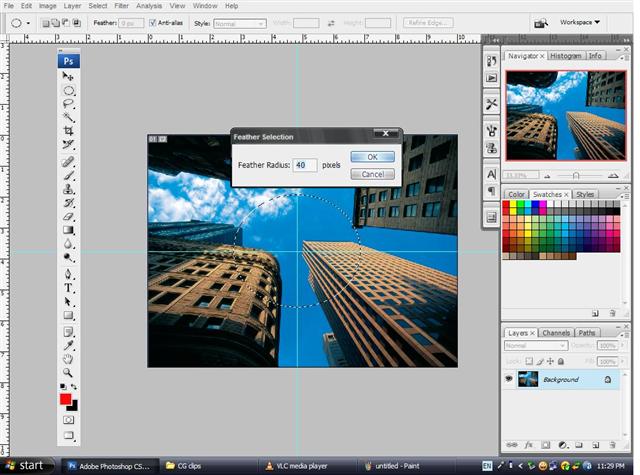
use the feather tool to feather out the selected area.
set feather radius around 40 in this case.
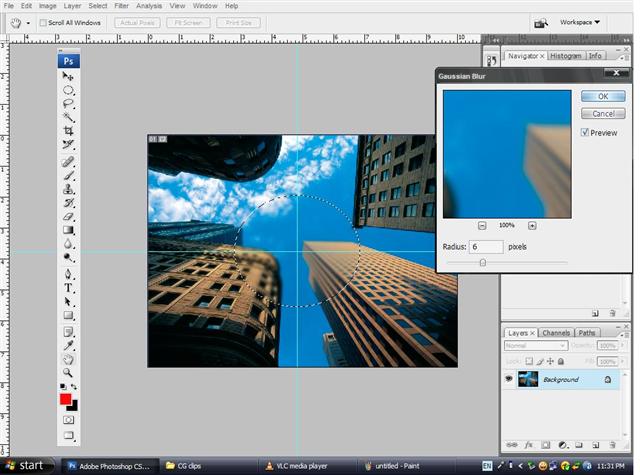
to create more effect,use gaussian blur under the blur tool.
6 would be enough for this to create a slightly blurred image.
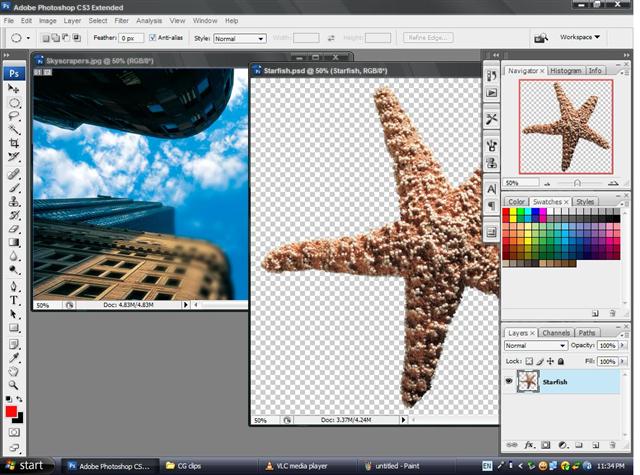
continue off by dragging the starfish image into the background image you've worked on.